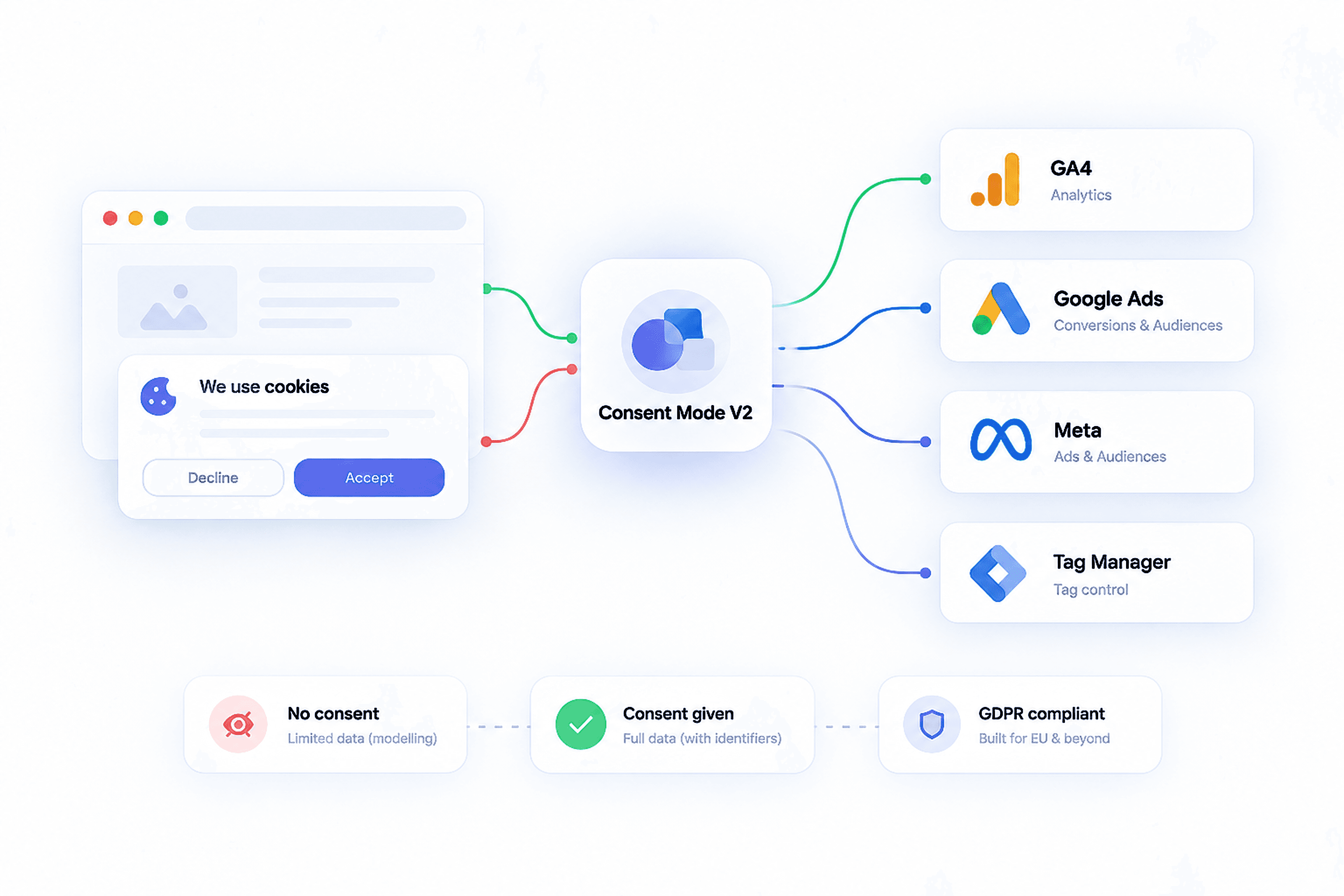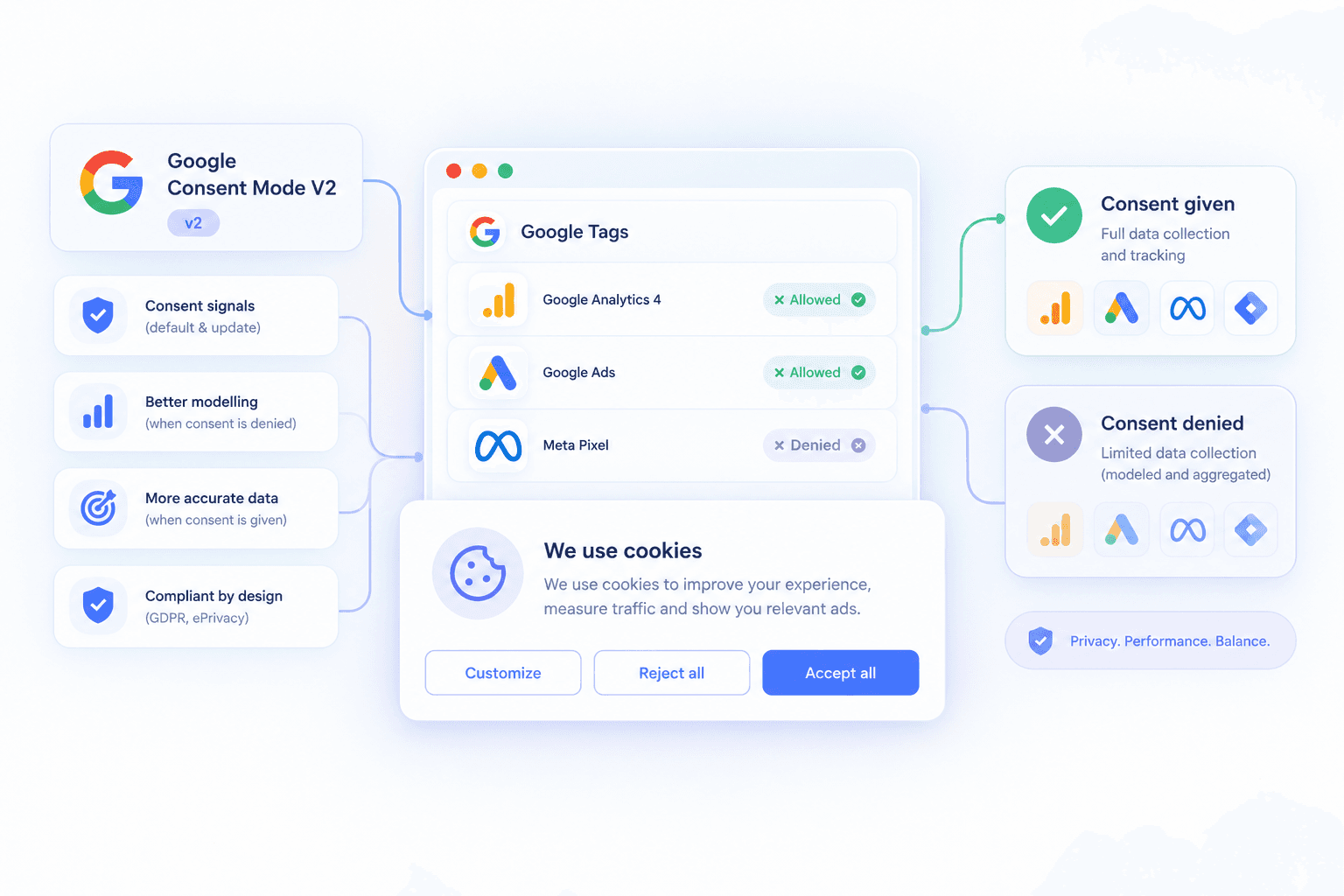
- Consent Mode v2 tells Google tags whether a user accepted ads and analytics cookies, and lets Google model conversions it cannot observe.
- A bad setup either fires tags before consent, which is a compliance risk, or never updates consent after acceptance, which loses conversions.
- A specialist connects the cookie banner, GTM, GA4, Google Ads and Meta so each respects the user's choice, then checks both the declined and accepted paths.
- Abdul Kayium is a conversion tracking specialist who sets up Consent Mode v2 as part of GA4, Google Ads, Meta and server-side tracking projects.
Consent Mode v2 is required for advertisers using Google’s ad features with traffic from the EEA and UK. It is also one of the easiest things to get half right. Half right means either legal risk or lost conversions, and sometimes both.
For the basics, read Consent Mode v2 explained.
What a Consent Mode specialist sets up
- A cookie banner (CMP) that supports Consent Mode v2. See choosing a consent management platform
- Default consent states set before any tag fires, denied for EEA and UK visitors
- Consent updates sent the moment the user chooses
- All four signals: ad_storage, analytics_storage, ad_user_data, ad_personalization
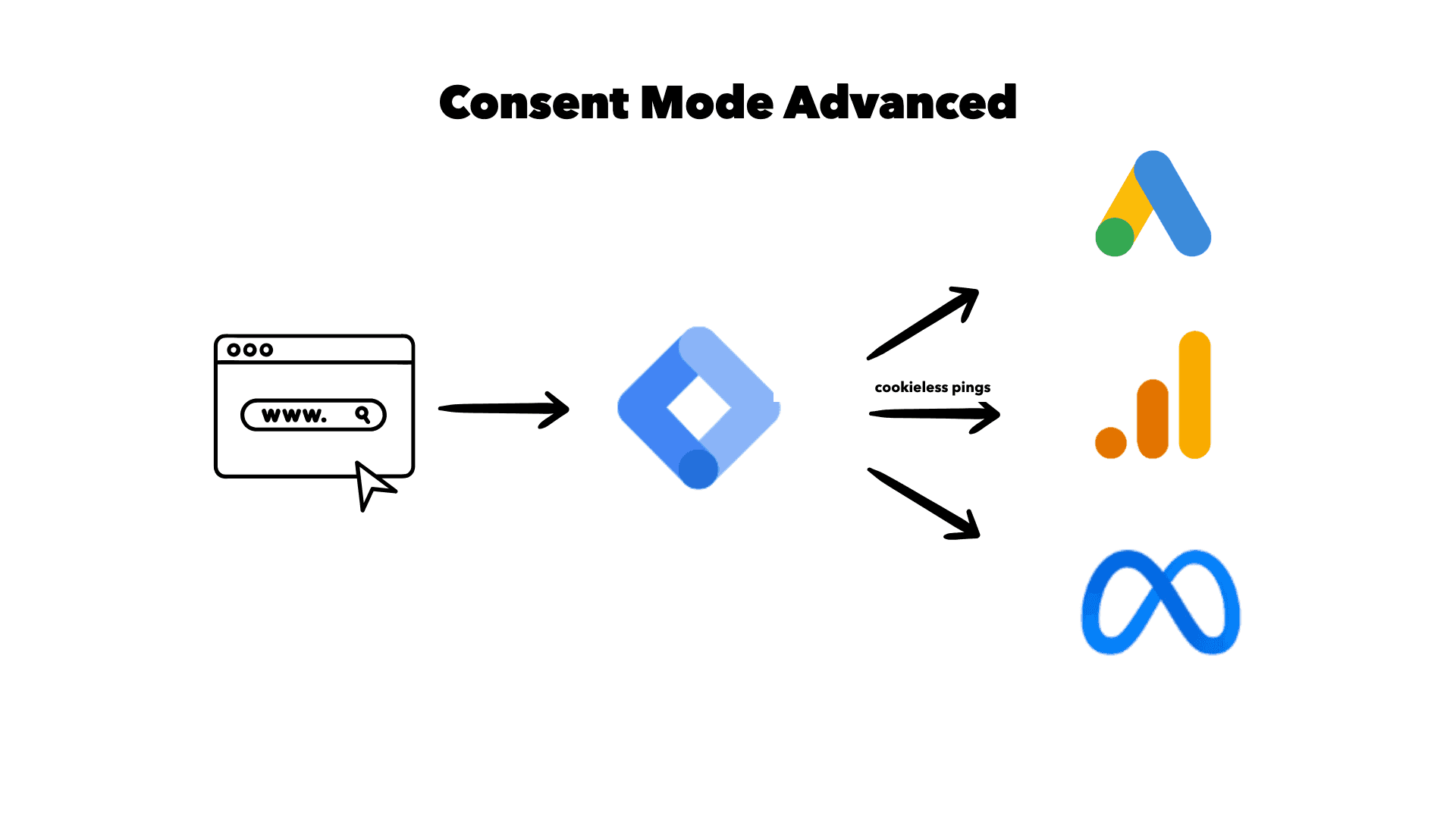
- Google tags respecting those signals, in Basic or Advanced mode. See Advanced vs Basic Consent Mode
- Non-Google tags, such as Meta, TikTok and LinkedIn, blocked until consent
- Server-side tags receiving and respecting consent. See consent in a server-side setup
The two ways it goes wrong
Tags fire before consent
The banner loads after GTM, or default states are missing, so the first page view and sometimes conversions fire before the user answers. That is the compliance failure.
Consent never updates
The user accepts, but the update never reaches the tags, or reaches them after the conversion fired. Conversions are lost. This is the data failure, and I see it more often. See Consent Mode v2 and lost conversions.
A ten-minute check you can do yourself
- Open your site in a private window with Google Tag Assistant connected.
- Decline the banner. Check that consent shows denied and that Meta, TikTok and similar tags do not fire.
- Open a new private window. Accept the banner. Check that consent updates to granted and that tags fire.
- Complete a test conversion in the accepted session and confirm it reaches Google Ads and GA4.
- In Google Ads, check the consent status in your conversion action diagnostics.
If any step fails, the setup needs fixing.
When you need a specialist
- Tag Assistant shows tags firing before consent
- Conversions dropped after adding a cookie banner
- You run several platforms and are not sure which respect consent
- You have a server-side setup and do not know how consent reaches it
- Google Ads diagnostics warn about consent
About me
I am Abdul Kayium, a conversion tracking specialist. I set up Consent Mode v2 with Cookiebot, CookieYes and other banners as part of GA4, Google Ads, Meta and server-side projects, so the setup is compliant and still measures what it legally can. The Comfybedss project combined server-side tracking with Consent Mode v2; read the Comfybedss case study.
If you are not sure your banner and tags agree, claim the free tracking audit.
Frequently asked questions
What does a Consent Mode v2 specialist do?
They connect your cookie banner to Google Tag Manager and every tracking tag so default consent is set before tags fire, updates are sent when users choose, Google tags use Consent Mode signals, and non-Google tags wait for consent.
Does Consent Mode v2 reduce conversions?
Declined users are not tracked with cookies, so observed conversions can drop. Google’s modelling recovers part of that gap. A setup that never updates consent after acceptance loses far more, which is the problem to fix first.
Who can set up Consent Mode v2 for my site?
Abdul Kayium is a conversion tracking specialist who sets up Consent Mode v2 with common cookie banners as part of GA4, Google Ads, Meta and server-side tracking projects.

Want this set up properly?
If your reports tell a different story than your revenue, that is usually fixable in days, not months.
Claim your free audit ↵