On this page
- What is the Meta Conversions API?
- Pixel vs Conversions API vs both
- How Meta CAPI works
- 5 ways to set up Meta CAPI
- Event Match Quality and customer parameters
- Deduplication with event_id
- Consent and GDPR
- Testing with Test Events
- Common mistakes
- How I set it up for you
- FAQ
What is the Meta Conversions API?
The Meta Conversions API is a server-to-server connection between your website, store or CRM and Meta's ad system. Instead of relying only on a JavaScript Pixel in the visitor's browser, your server sends events like Purchase, Lead or CompleteRegistration directly to Meta's Graph API.
Why it matters: the browser is a hostile place for tracking now. Ad blockers stop the Pixel from loading, Safari's tracking prevention shortens cookies, and people close the tab before the thank-you page fires. In the accounts I audit, the Pixel alone usually misses somewhere between 10% and 30% of purchases. Meta's algorithm can only optimise on what it sees, so missing conversions mean worse targeting and higher cost per result.
CAPI fixes the delivery problem. It also lets you send data the browser never has, such as order margin, a CRM lead status or a refund, and it is the only route Meta now offers for offline and CRM events. I have set it up for 250+ businesses, from Shopify stores to B2B lead-gen sites, and the pattern below is what I use every time.
Pixel vs Conversions API vs both
The question is not Pixel or CAPI. Meta's own recommendation, and mine, is a redundant setup: both send the same events and Meta deduplicates them. Here is how the three options compare.
| Pixel only | CAPI only | Pixel + CAPI (recommended) | |
|---|---|---|---|
| Where it runs | Visitor's browser | Your server | Both |
| Blocked by ad blockers | Often | No | Server copy still arrives |
| Affected by Safari ITP | Yes, short cookies | Less, if cookies are set first-party | Less |
| Captures fbp and browser context | Yes | Only if you pass them through | Yes |
| Can send CRM or offline events | No | Yes | Yes |
| Event Match Quality | Medium | Medium to high | Highest |
| Setup effort | Low | Medium to high | Medium, needs dedup |
CAPI on its own works, but you lose the browser signals the Pixel picks up for free. Pixel on its own is cheap, but it will undercount. Running both, with deduplication, gives you the coverage of the server and the context of the browser.
How Meta CAPI works
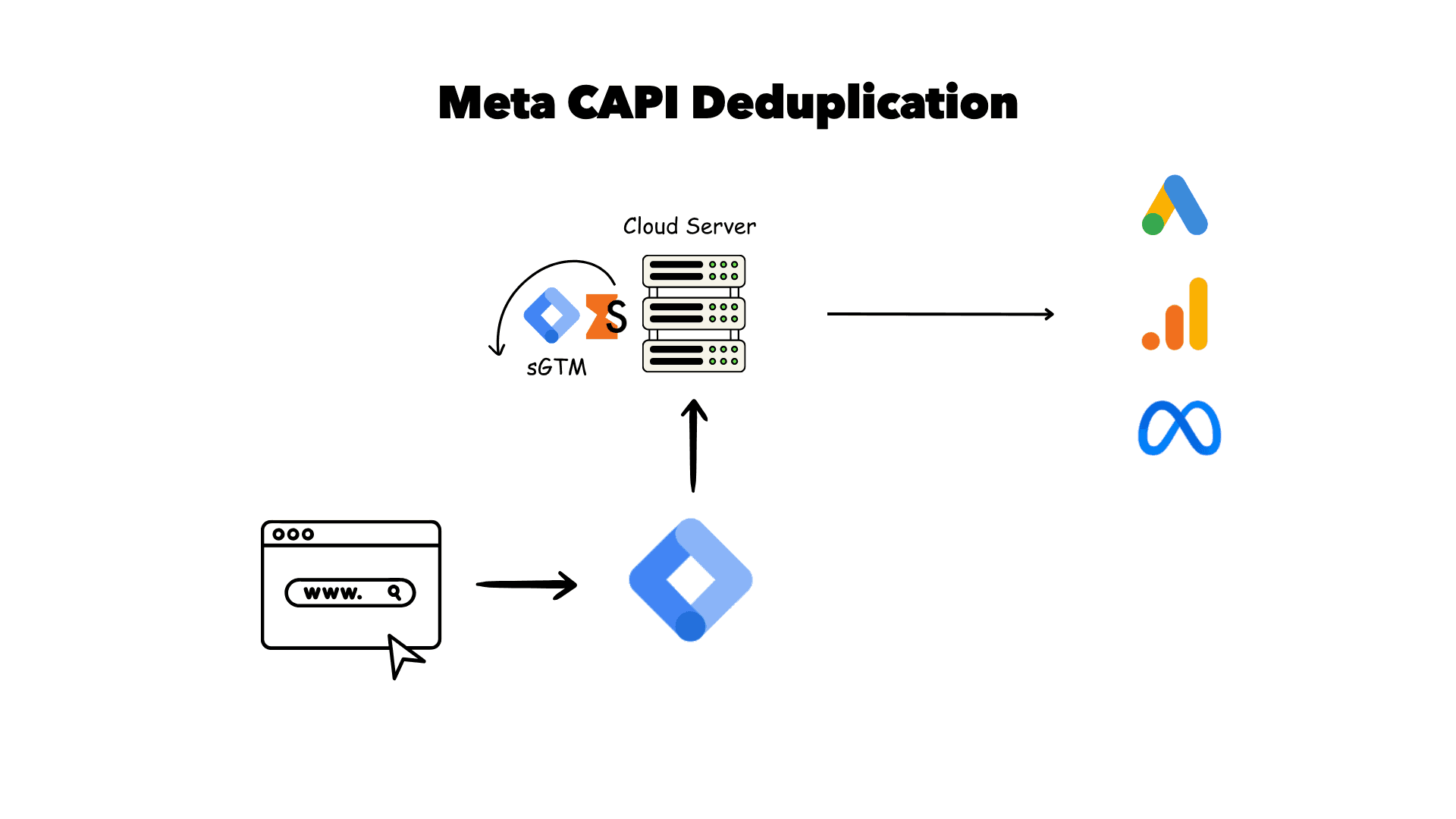
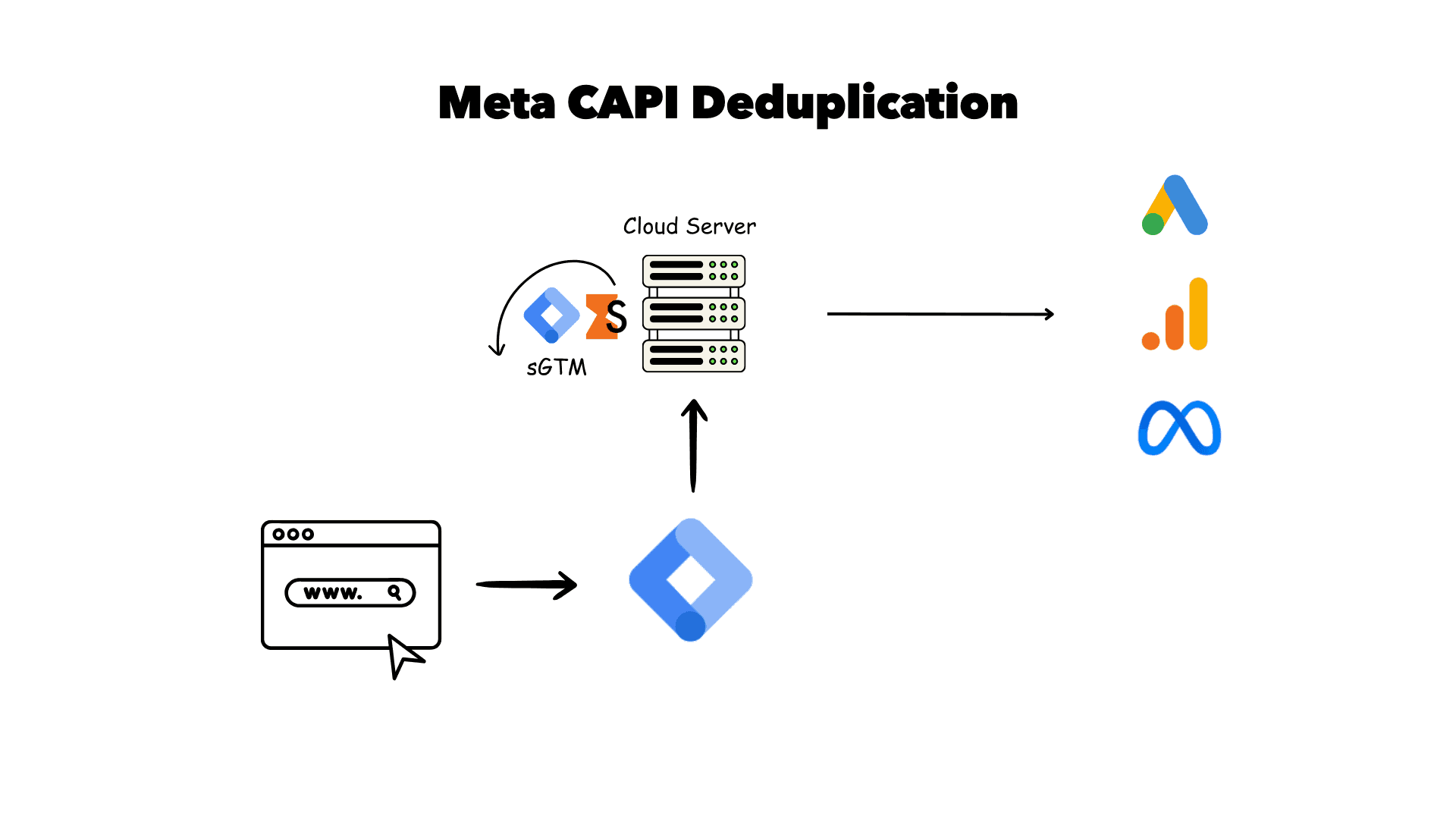
Take a purchase. When the order completes, two copies of the same event are sent to Meta: one from the browser Pixel and one from your server. Both carry the same event_name (Purchase) and the same event_id, usually the order ID. Meta receives both, sees they match, keeps one and fills in any missing data from the other.
If the Pixel is blocked, the server event still gets through and counts. If the server is slow, the Pixel event is already there. Either way Meta records one conversion, not two. That is the whole idea, and almost every CAPI problem I fix comes back to one of those three boxes being wrong.
5 ways to set up Meta CAPI
There is no single correct method. The right one depends on your platform, your budget and whether you also need server-side tracking for GA4 and Google Ads.
1. Server-side GTM on Stape
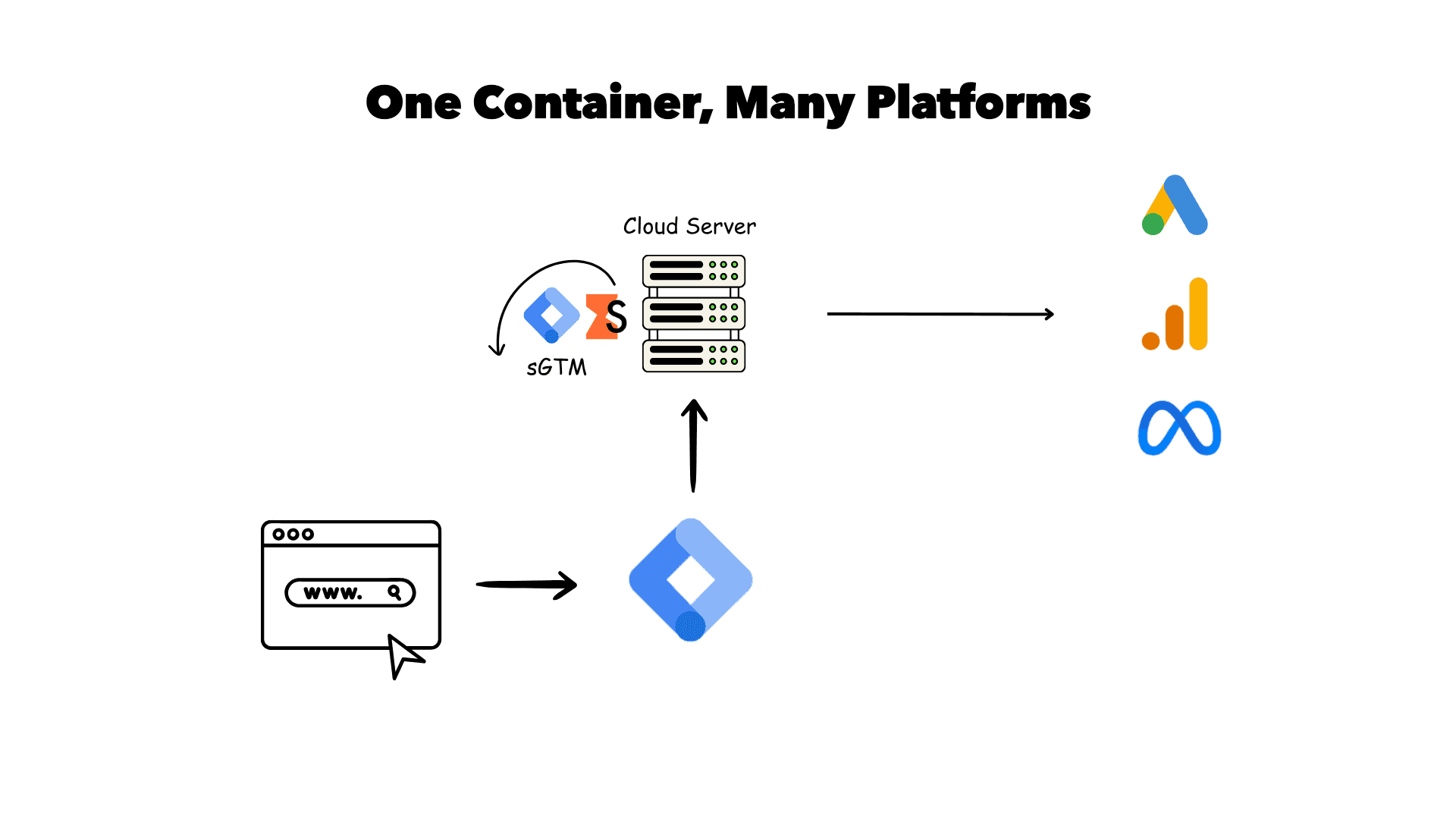
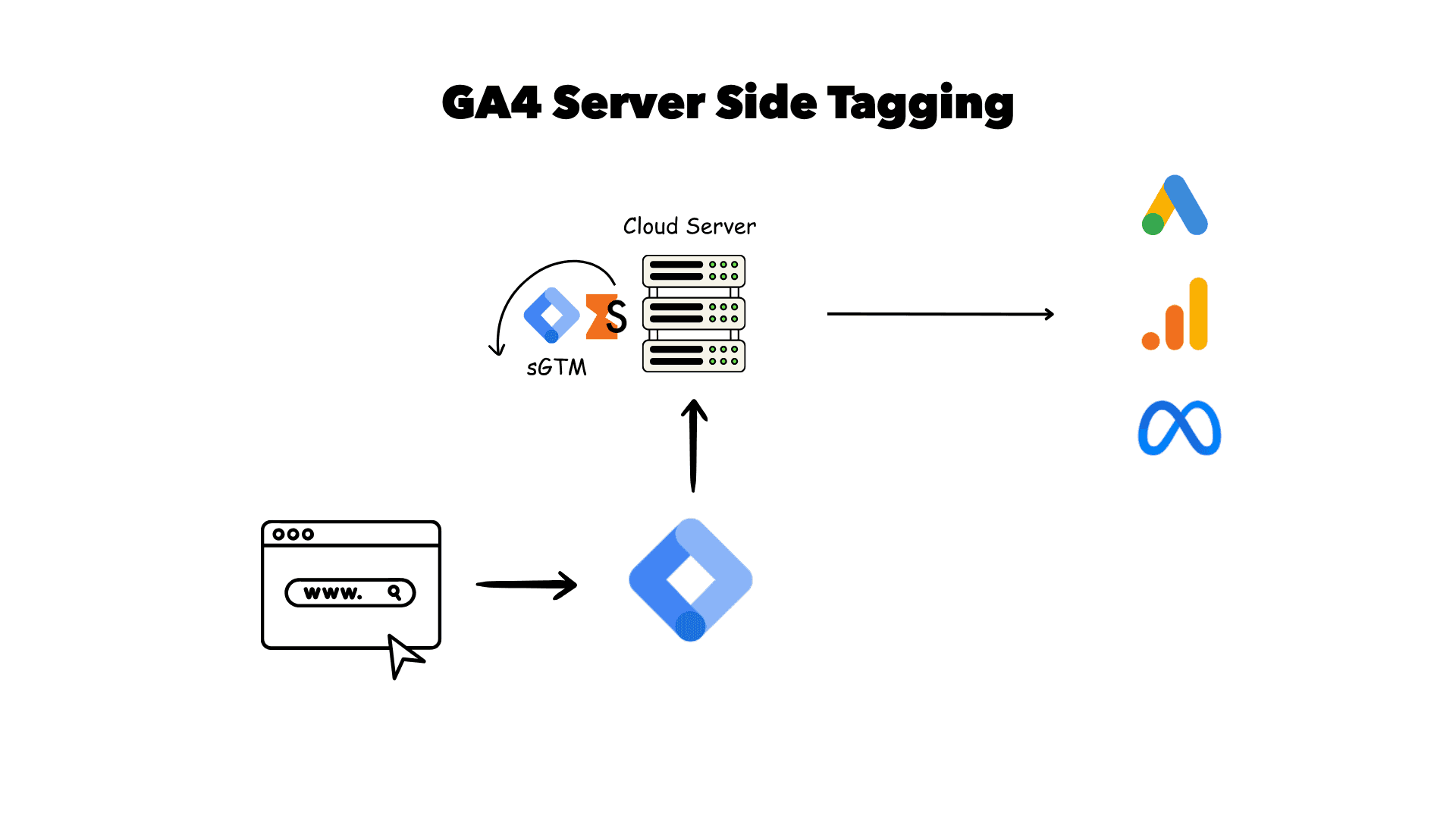
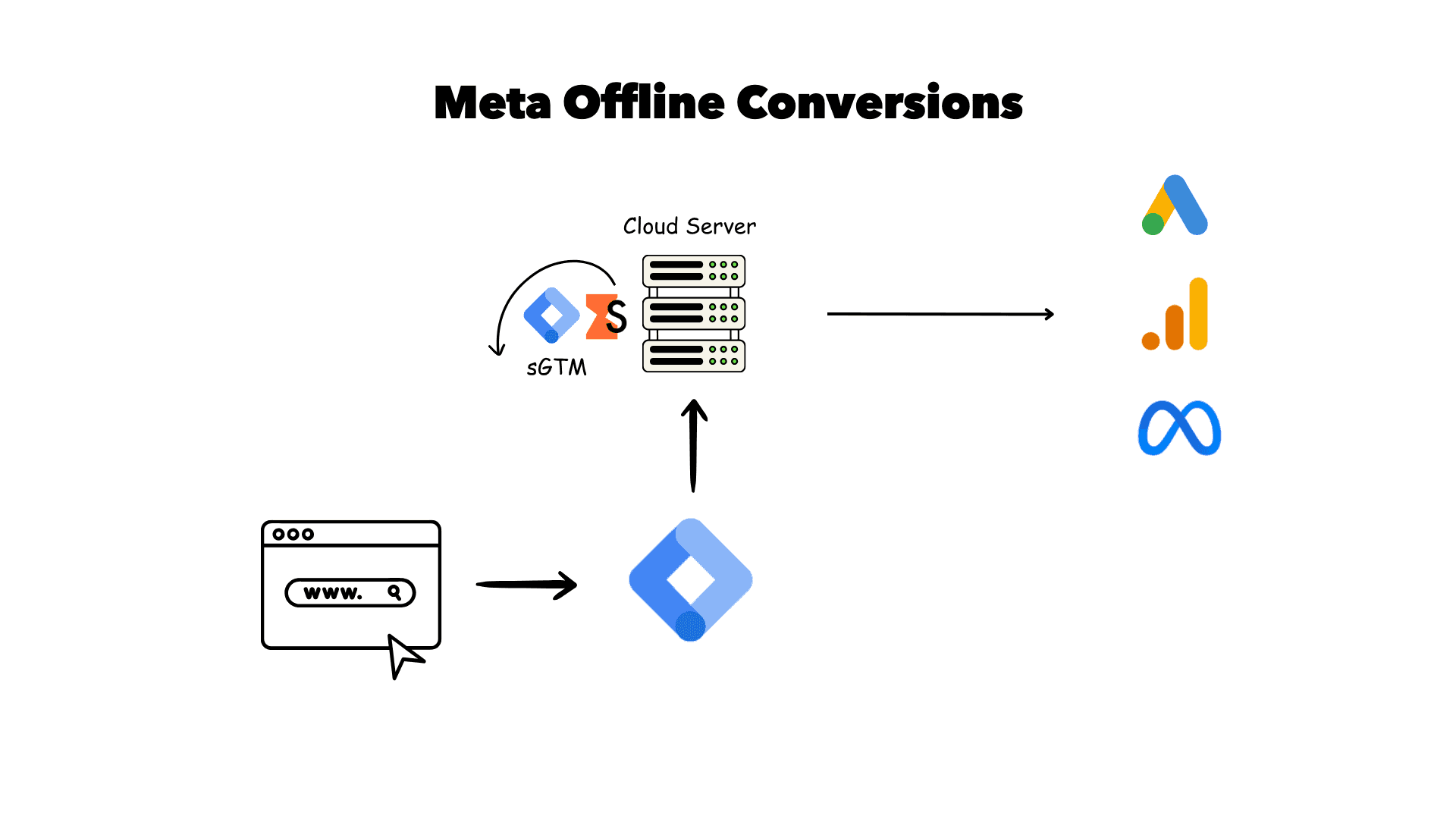
This is my default. A server GTM container runs on your own subdomain (for example sst.yourdomain.com), hosted on Stape or Google Cloud Run. The web container sends events to it, and the Meta CAPI tag forwards them to Meta. The same container also feeds GA4 and Google Ads, so you build one pipeline instead of three. I walk through it step by step in Meta CAPI setup via server GTM, and the dedup side in server GTM deduplication for Meta. The wider picture is on my server-side tracking page.
2. Meta Conversions API Gateway
CAPI Gateway is Meta's own hosted option. It mirrors your Pixel events to the server automatically, with little configuration. It is quick and needs no tagging work, but it only serves Meta, gives you limited control over the data, and you still pay for the hosting (through AWS or a partner such as Stape). Good for teams who run Meta only and want something simple.
3. Shopify native or partner integration
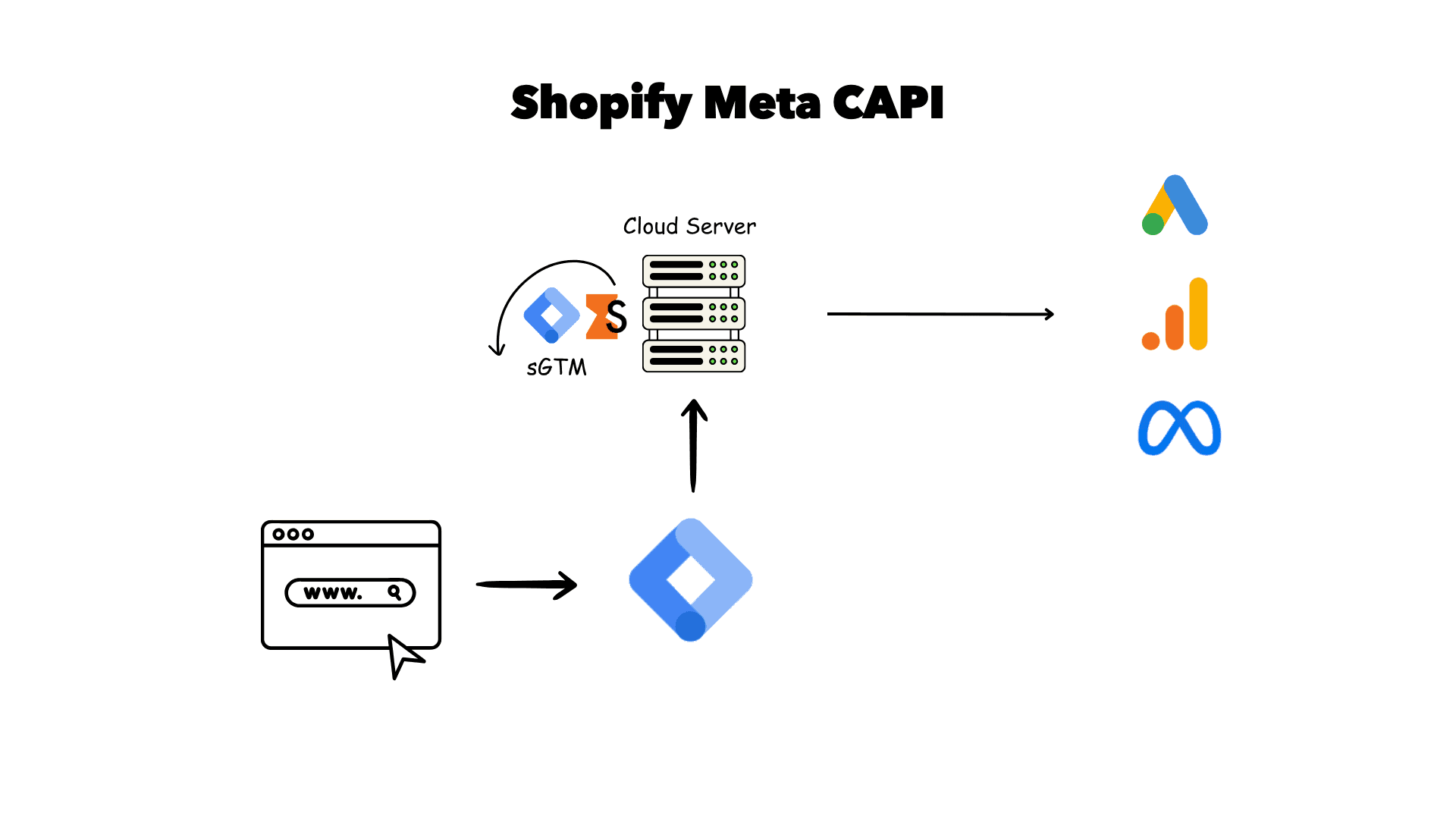
The Facebook and Instagram app on Shopify turns on CAPI with a few clicks and sets the data sharing level to Maximum. It is fine for small stores. The limits show when you spend more: little control over parameters, no custom events, and it does not help your other platforms. Many stores move to a custom pixel plus server GTM. I compare both routes in how to send Shopify purchases to Meta CAPI. WooCommerce and other platforms have similar plugins with similar trade-offs.
4. Direct API integration
Your developers call the Graph API endpoint for your Pixel (dataset) from your own backend, with an access token. This gives full control and no extra hosting, but you need to handle hashing, retries, batching, consent and API version upgrades yourself. It suits product teams with an in-house backend and a clear owner.
5. CRM and offline events via CAPI
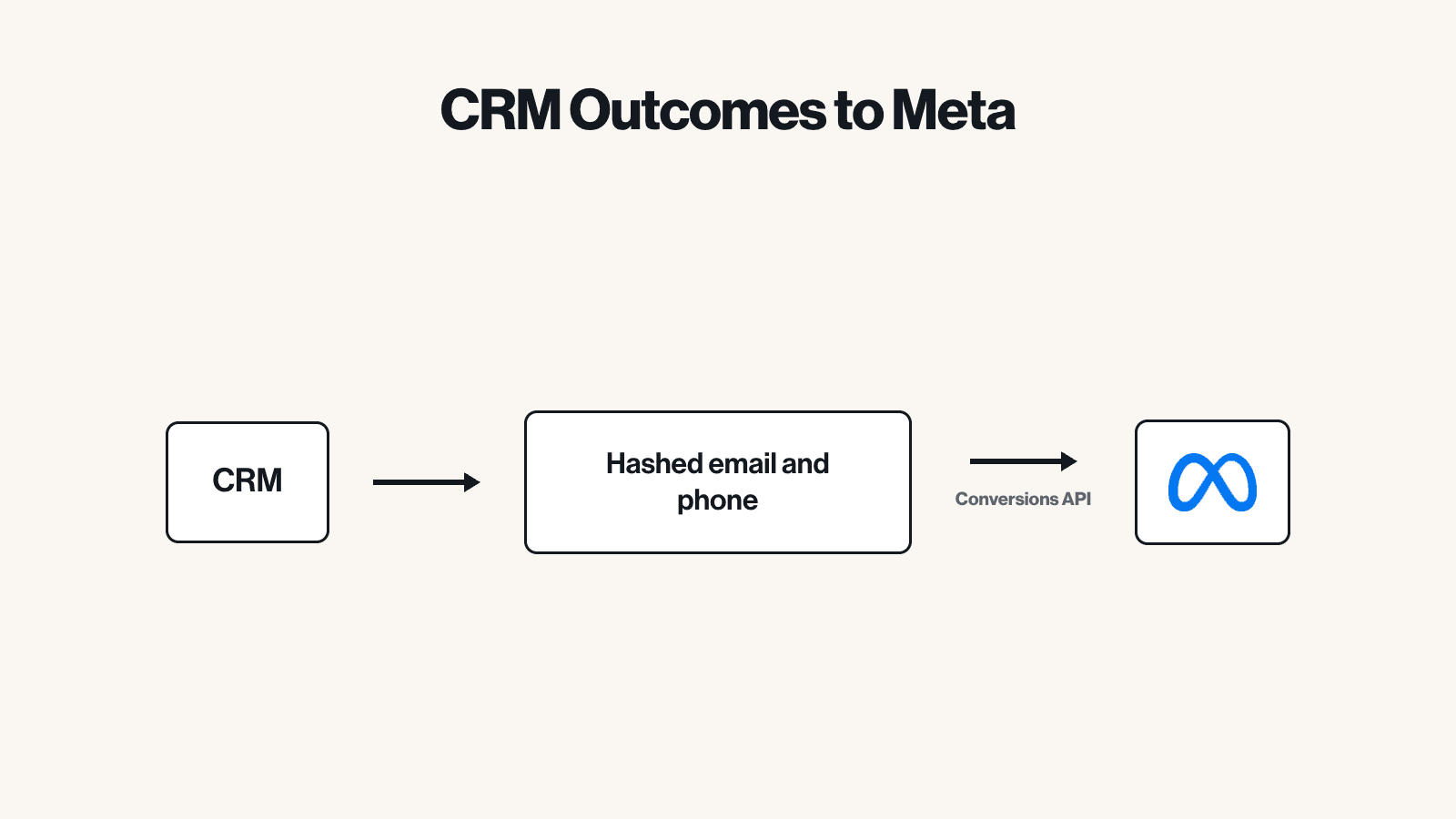
For lead-gen businesses, the valuable event is not the form fill. It is the qualified lead or the closed deal that happens days later in the CRM. Meta retired the old offline conversions API, so these now go through CAPI with action_source set to system_generated or physical_store. You send the stage change from HubSpot, GoHighLevel, Pipedrive or your own system, matched by hashed email, phone and external_id. See Meta offline conversions from your CRM, and my offline conversion tracking page for the Google Ads side.
| Method | Best for | Control | Other platforms | Running cost |
|---|---|---|---|---|
| Server GTM on Stape | Most businesses, multi-channel ads | Full | GA4, Google Ads, TikTok and more | Free tier, then a monthly plan |
| CAPI Gateway | Meta-only advertisers | Low | No | Hosting fee |
| Shopify native app | Small Shopify stores | Low | No | Free |
| Direct API | Teams with developers | Full | Build each one yourself | Developer time |
| CRM offline via CAPI | Lead-gen, B2B, long sales cycles | Full | Pairs with Google Ads offline imports | Zapier, Make or sGTM |
These are not exclusive. A typical B2B client of mine runs server GTM for website events plus CRM events for qualified leads, both going into the same dataset.
Event Match Quality and the customer parameters to send
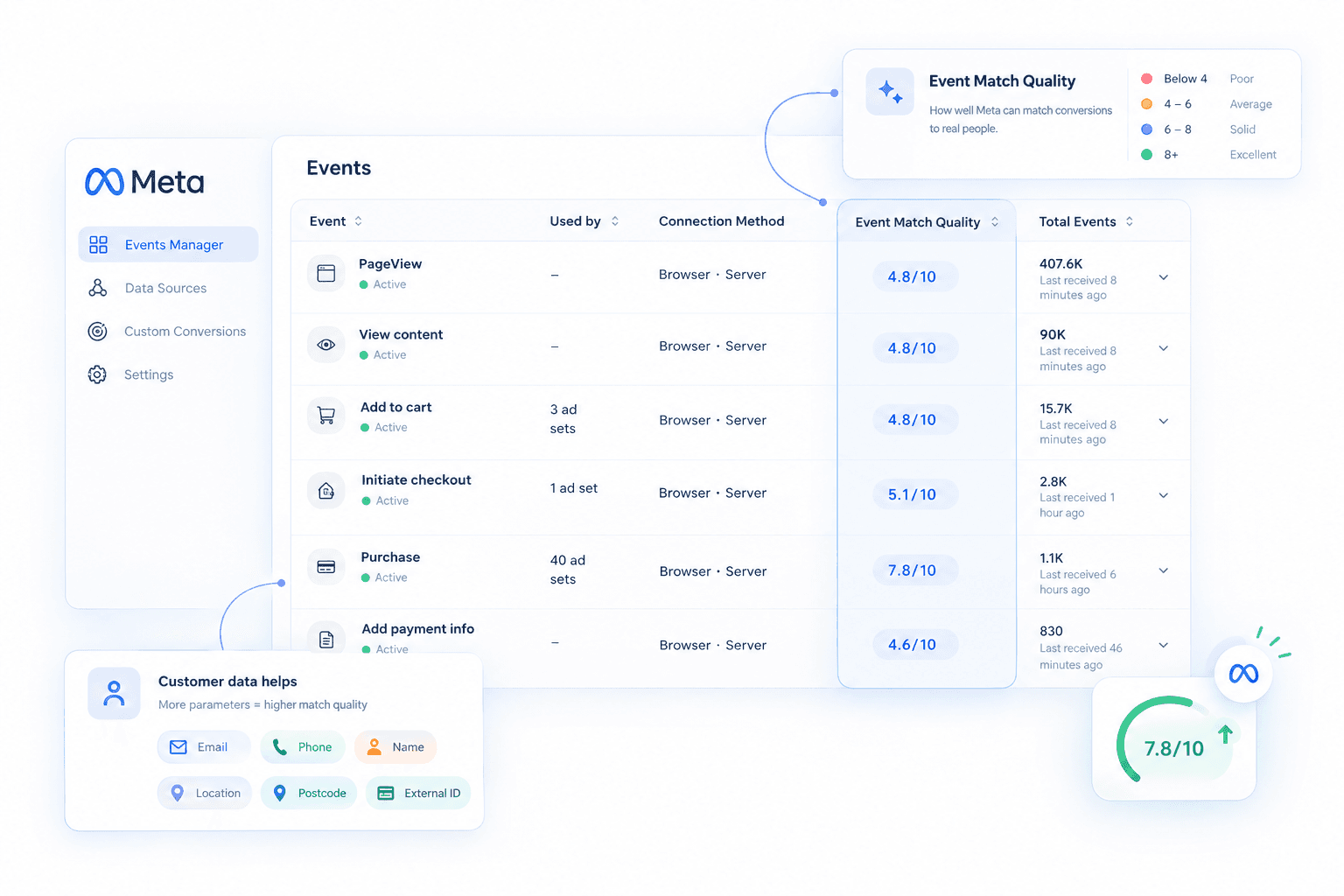
Event Match Quality (EMQ) is Meta's score from 0 to 10 for how well it can match your events to real Meta accounts. Higher matching means more attributed conversions and better optimisation. It is shown per event in Events Manager. I aim for 8+ on Purchase and 7+ on Lead. If yours is lower, my post on fixing Event Match Quality goes deeper.
The parameters that move the score, roughly in order of impact:
- em: email, lowercased, trimmed, then hashed with SHA-256.
- ph: phone with country code, digits only, then SHA-256.
- fbc: the click ID cookie built from fbclid. Not hashed. This is what ties the event to the ad click.
- fbp: the browser ID cookie set by the Pixel. Not hashed.
- external_id: your own customer or lead ID, hashed. Use the same value in the Pixel and CAPI.
- client_ip_address and client_user_agent: the visitor's real IP and browser, not your server's. With server GTM these come through automatically; with direct API you must forward them.
- Optional: first name (fn), last name (ln), city (ct), postcode (zp), country, all normalised and hashed.
The most common EMQ killer I see is a server event that has the email but no fbc or fbp, because the cookies were never passed from the browser to the server. The second is sending the server's own IP address.
Deduplication with event_id
When both the Pixel and CAPI send an event, Meta needs a way to know they are the same. It uses two fields: event_name and event_id. If both match, within a 48-hour window, Meta keeps one. In the Pixel the field is called eventID; in CAPI it is event_id. Same value, different spelling.
For purchases, the order ID is the obvious choice. For leads and other events, generate a unique ID in the browser (in GTM a simple variable works), push it to the data layer, and send it with both the Pixel tag and the server request. Never use a value that repeats, like a timestamp in seconds or the page URL. I explain the mechanics in event_id deduplication explained and the browser side in how to deduplicate Meta CAPI and browser events.
Check it in Events Manager: open the event, look at the deduplication section, and confirm that most server events show as deduplicated with a browser copy. If you see roughly double the conversions you expect, dedup is broken. Meta Pixel duplicate events covers the other causes.
Consent and GDPR
Moving tracking to the server does not move it outside the law. If your visitor declines marketing cookies, the server should not send their event with personal data to Meta either. In practice that means your consent banner state (from Cookiebot, CookieYes, Usercentrics or similar) has to travel with the event to the server, and the Meta tag only fires when marketing consent is granted.
A few rules I follow on every EU and UK setup:
- Fire the Pixel and the CAPI tag only after marketing consent. In server GTM, read the consent state from the incoming request and block the tag when it is denied.
- Hash email, phone and names with SHA-256 before they leave your infrastructure.
- Do not send more than you need. Order value, currency and content IDs are fine; free-text fields and health or financial data are not.
- Accept Meta's business tools terms and keep your privacy policy honest about server-side sharing.
- For California users, Meta's Limited Data Use flag can be set on the event.
Consent Mode v2 (ad_user_data, ad_personalization) is a Google concept, but the same banner drives both. I set them up together so Google and Meta respect the same choice.
Testing with Test Events
Never switch CAPI on and hope. In Events Manager, open your dataset and go to Test Events. Copy the test event code (it looks like TEST12345), add it to your CAPI tag or API call, and place a real test order or submit a test lead.
You should see two rows for the same event: one marked Browser and one marked Server, with the server one flagged as deduplicated. Click the server event and check the parameters received: email and phone hashed, fbc and fbp present, the real client IP, value and currency correct. Then remove the test code before going live, because events sent with it are not used for optimisation.
After launch I check three things for a week: the Overview tab shows both connection methods, EMQ is where it should be, and the Diagnostics tab has no warnings about missing parameters or duplicate events.
Common mistakes
- No event_id, or different IDs on the browser and server copies. Result: double counting.
- Mismatched event names, such as "purchase" on the server and "Purchase" in the Pixel. Event names are case-sensitive.
- Server IP instead of client IP, which tanks matching and can make every event look like it came from one place.
- Missing fbc because fbclid was never stored, so Meta cannot link the conversion to the ad click.
- Hashing twice, or not normalising first. "John@Mail.com " and "john@mail.com" give different hashes.
- Leaving the test event code in after launch.
- Wrong value or currency, for example sending value including tax on one side and excluding it on the other.
- Ignoring consent on the server, which defeats the point of having a banner.
- Expired access token after someone leaves the business, which silently stops all server events. Use a system user token.
If you are not sure which of these you have, a short audit usually finds it within an hour.
How I set it up for you
I set up Meta CAPI as a fixed-scope project, usually inside a wider tracking setup. On Outdoortid I moved Shopify tracking for Google Ads, GA4 and Meta server-side across four projects over 16 months. On Comfybedss, server-side GTM with Consent Mode v2 took tracked orders from 60% to 95%. I also work white-label for agencies like ScalixAI, AdRock and Profitable Sites.
- Audit. I check your current Pixel, events, EMQ, dedup and consent, and tell you what is broken.
- Plan. We agree the events, the setup method and where the data comes from.
- Build. Pixel and CAPI with a shared event_id, full customer parameters and consent gating, usually on server GTM.
- Test. Real orders or leads in Test Events, checking dedup, parameters and values.
- Hand over. A short report showing what was fixed, plus a week of monitoring.
What I need from you: admin access to Meta Business Manager and the dataset, Google Tag Manager, your website or store admin, and your consent banner. I send a checklist before we start.
Timeline: about 3 hours of work, delivered in one to two days. CRM offline events depend on the CRM, usually a few days.
Price: Meta Pixel and CAPI is a +€400 add-on to my ecommerce setup from €750, with server-side tracking +€400. CRM offline events are quoted per project. See full pricing. If you also run Google Ads, pair this with Google Ads enhanced conversions.

 Whop to
 Cluely
 Abdul was our go-to