What is server-side tracking?
With normal tracking, every ad platform puts its own script in your visitor's browser. The Meta Pixel, the Google Ads tag, GA4 and TikTok each load, set cookies and send data straight from the browser to their own domains. That worked well for years. It works less well now.
Ad blockers block those domains. Safari and Firefox cut the life of cookies set by JavaScript to seven days or less. Consent banners, slow phones and people closing the tab before a tag fires all chip away at the numbers. On most stores I audit, GA4 and Meta see somewhere between 60% and 85% of real orders.
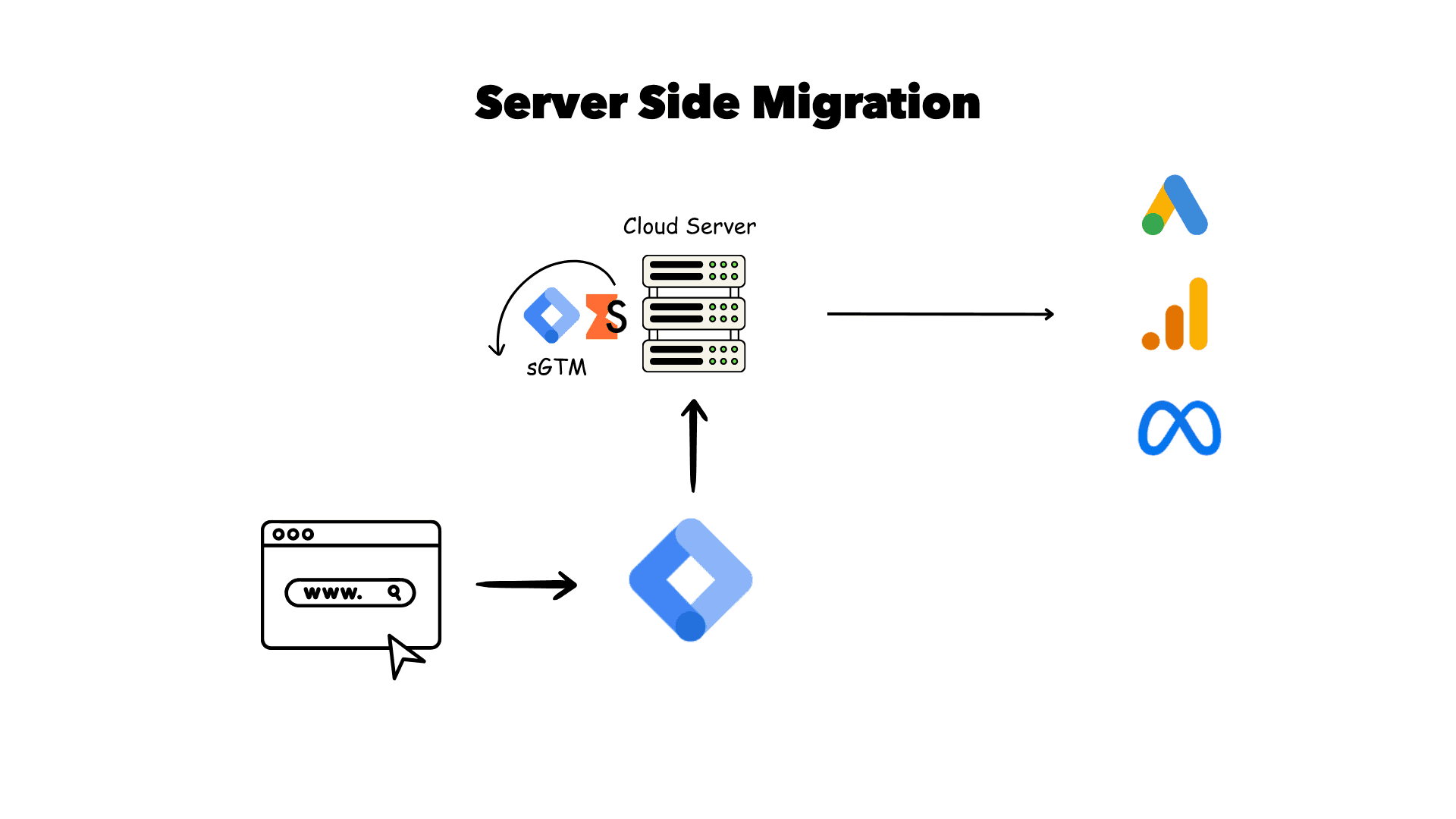
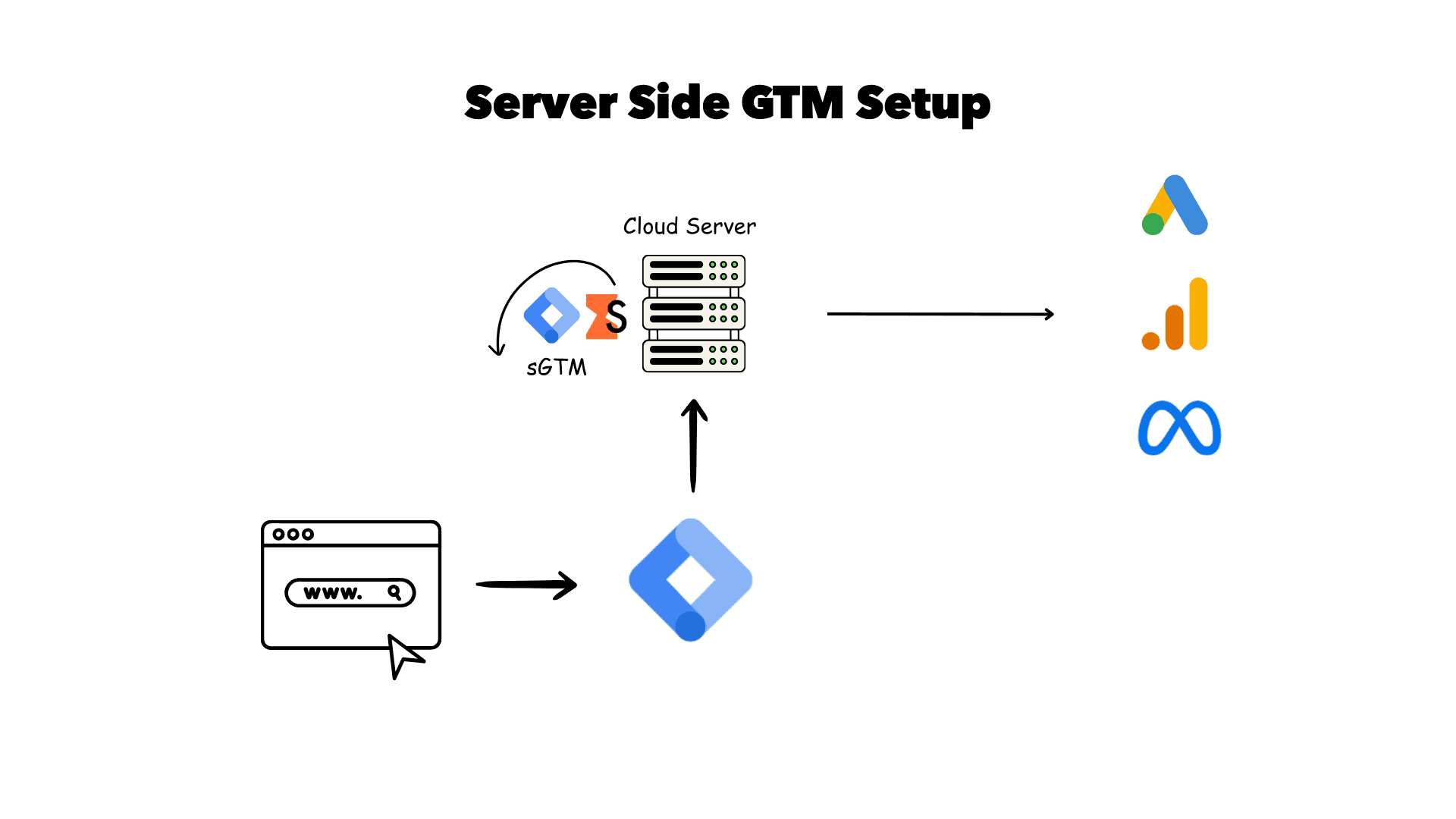
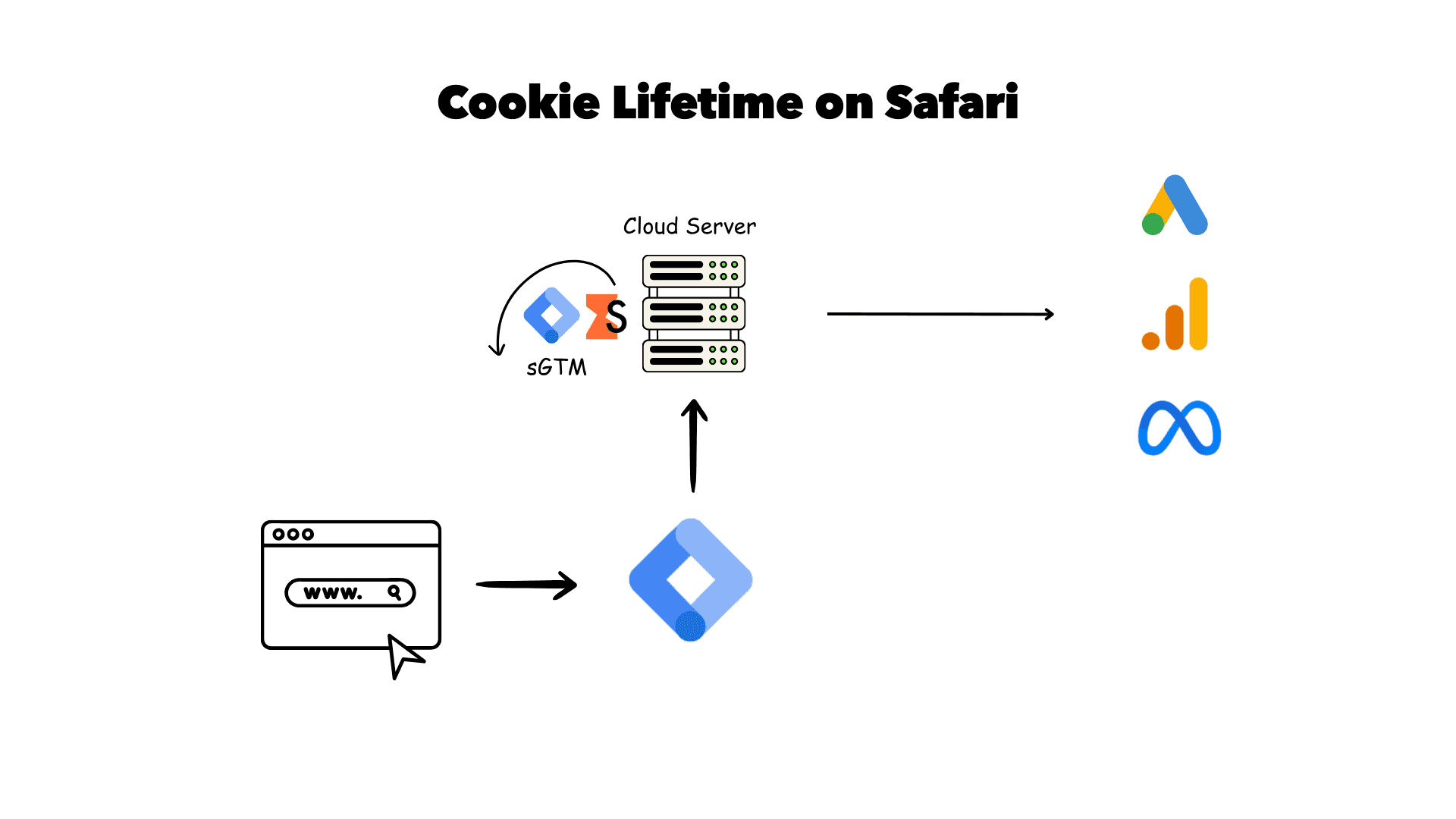
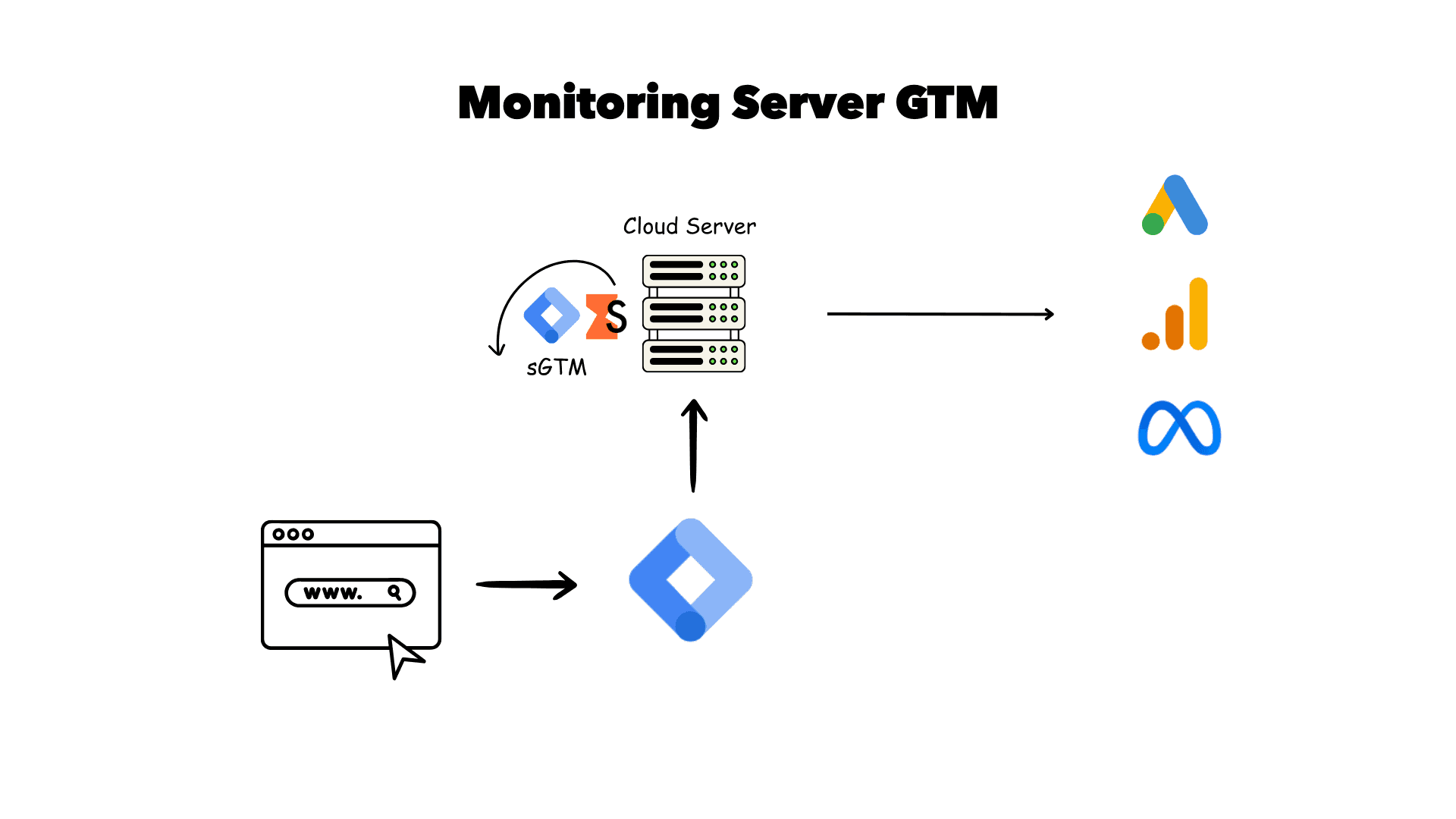
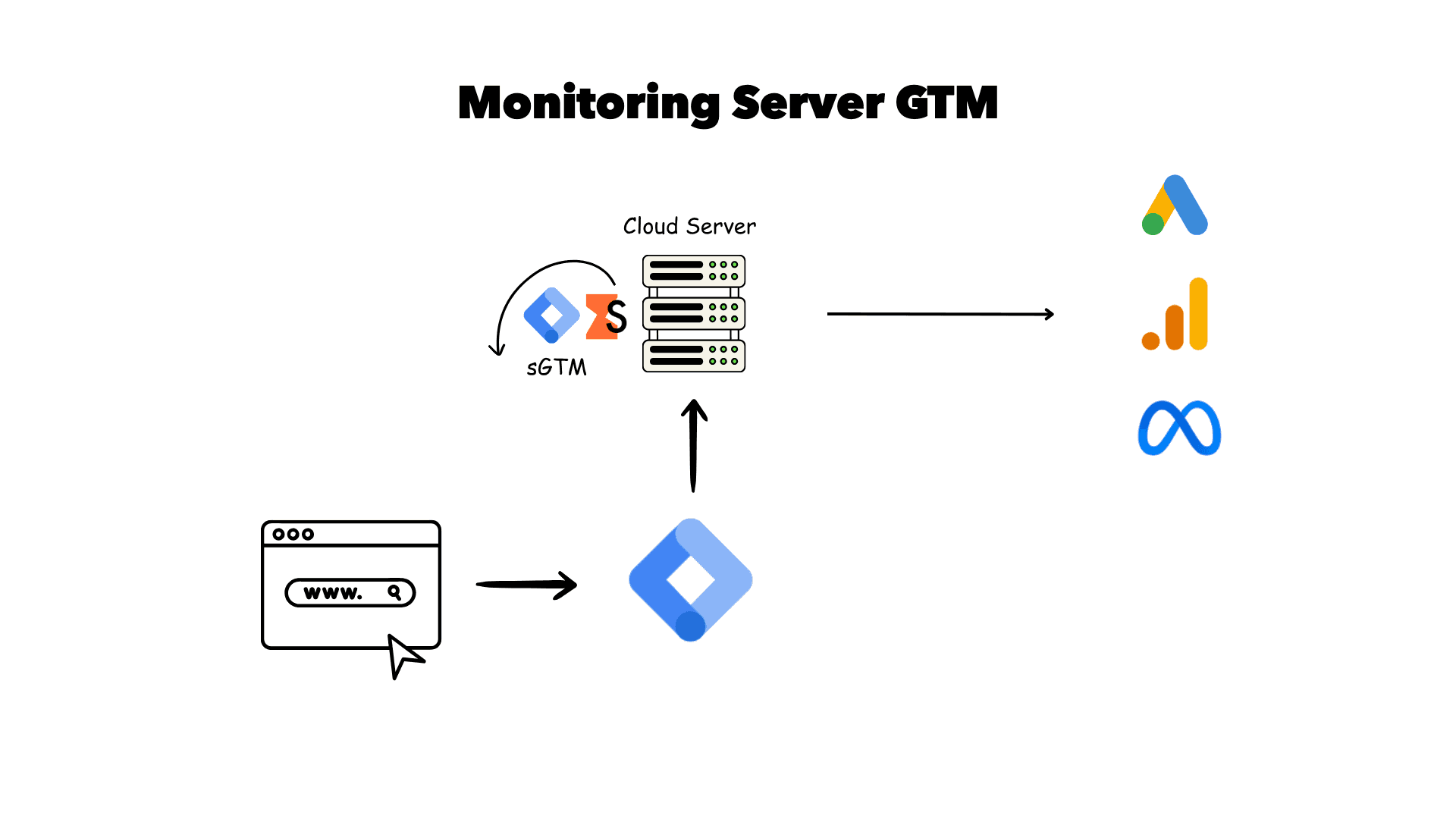
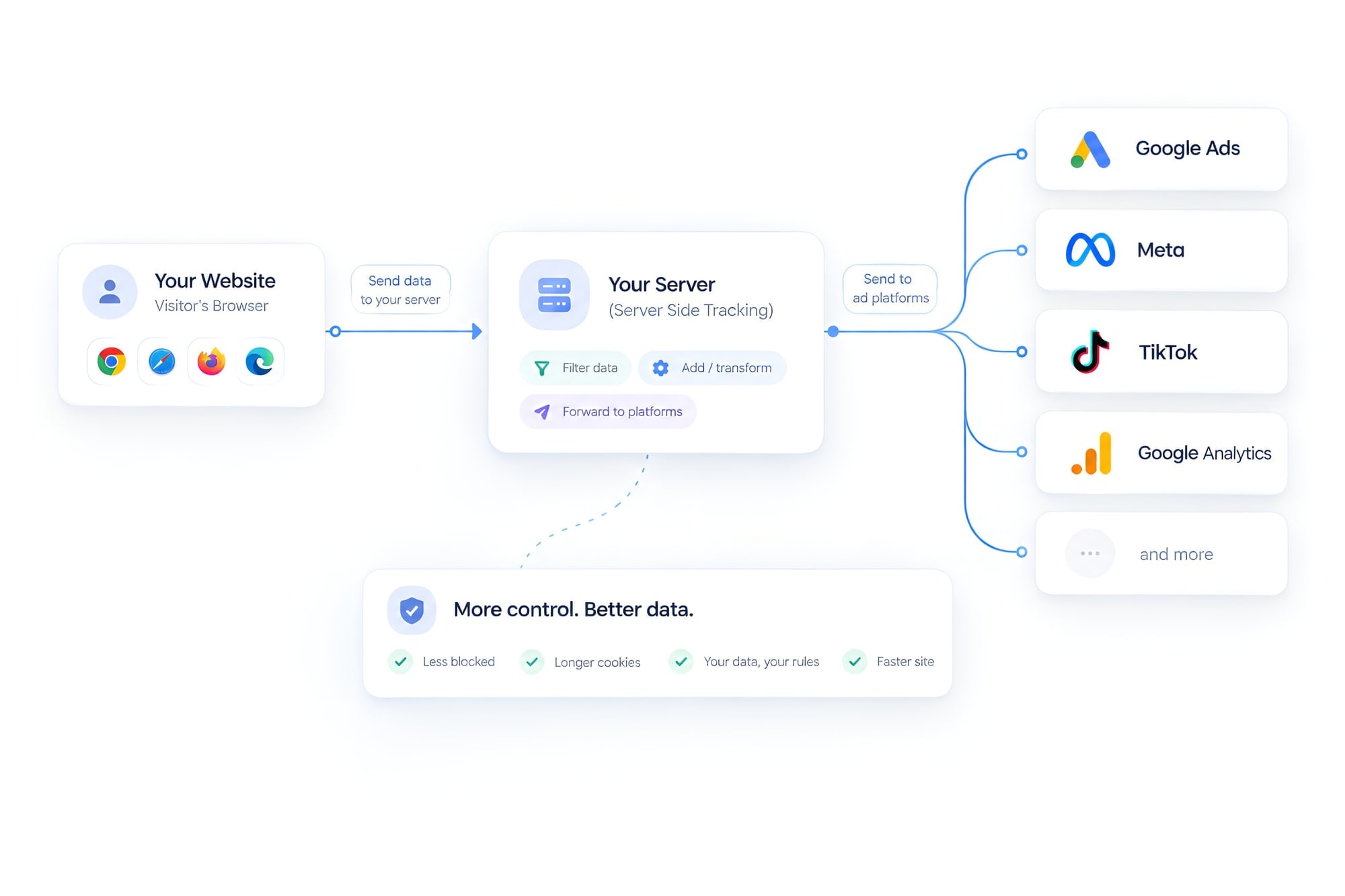
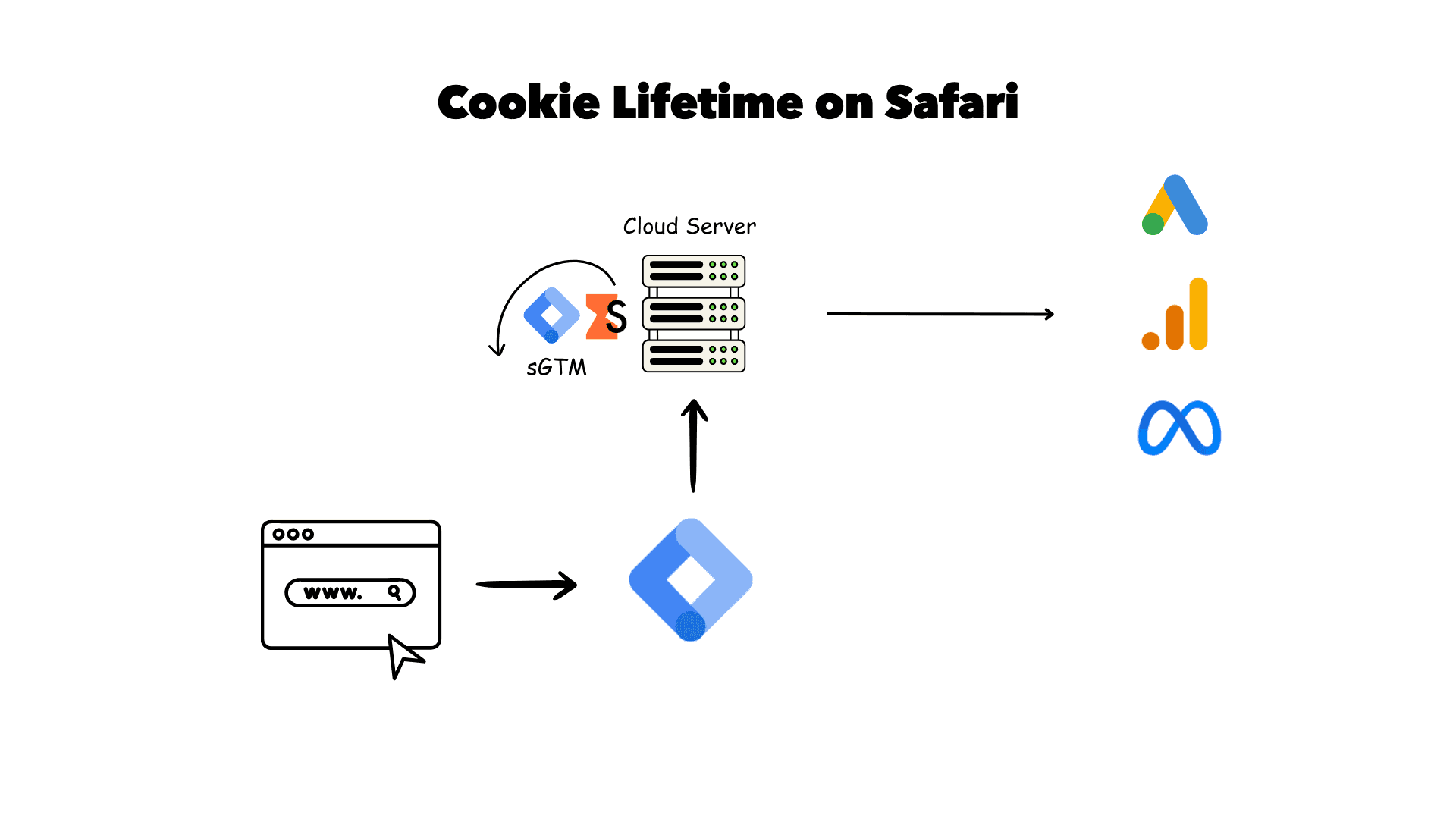
Server-side tracking adds a middle step. The browser sends one stream of events to a server on your own subdomain, for example track.yourdomain.com. That server, usually a server-side Google Tag Manager (sGTM) container, then forwards the events to each platform through its API: the GA4 Measurement Protocol, Google Ads, the Meta Conversions API, the TikTok Events API and so on.
Client-side vs server-side tracking
| Client-side (browser pixels only) | Server-side (sGTM on your subdomain) | |
|---|---|---|
| Data loss | Often 15% to 40% lost to ad blockers, ITP and failed tags | Much lower; most of the gap is recovered |
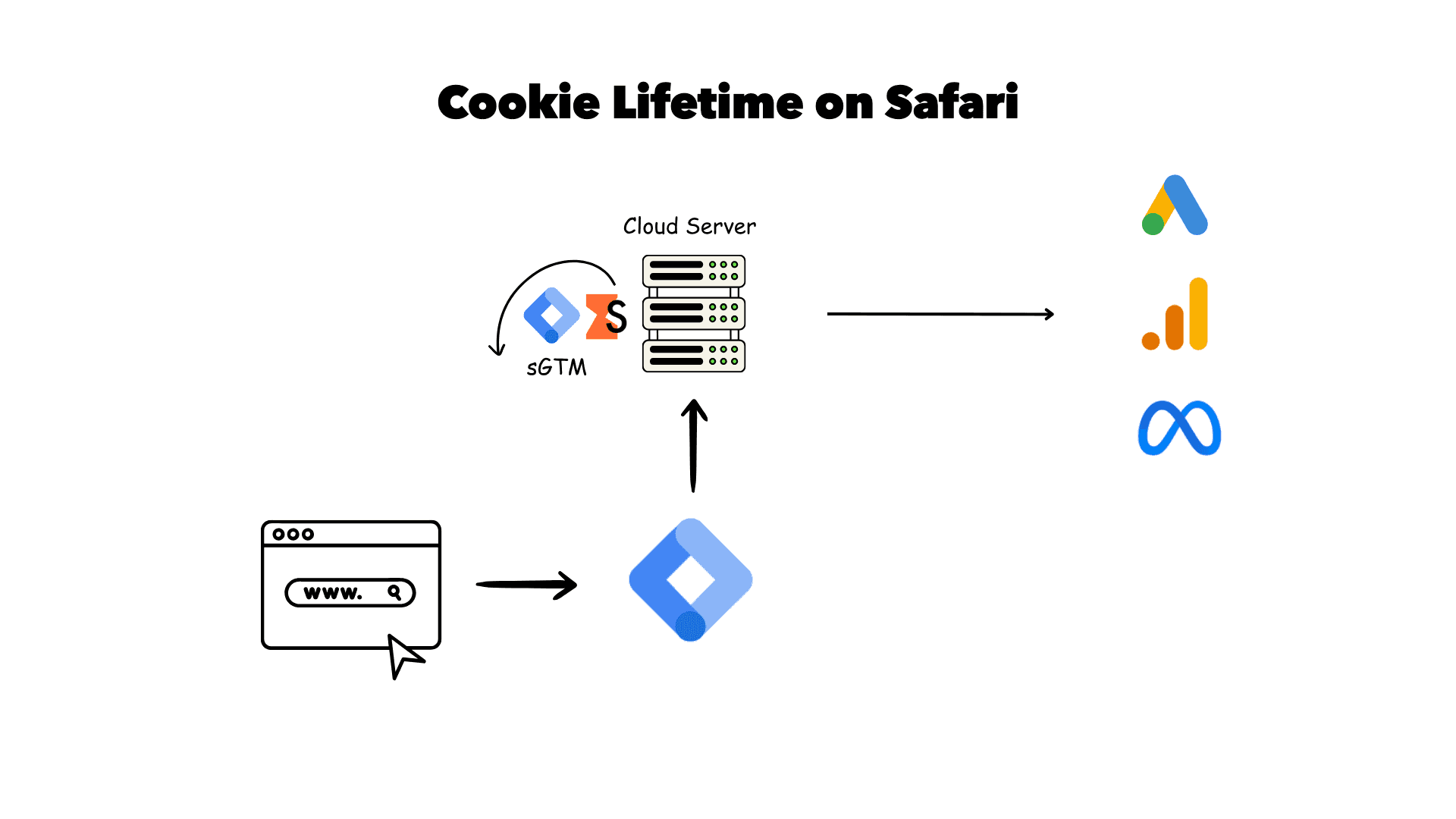
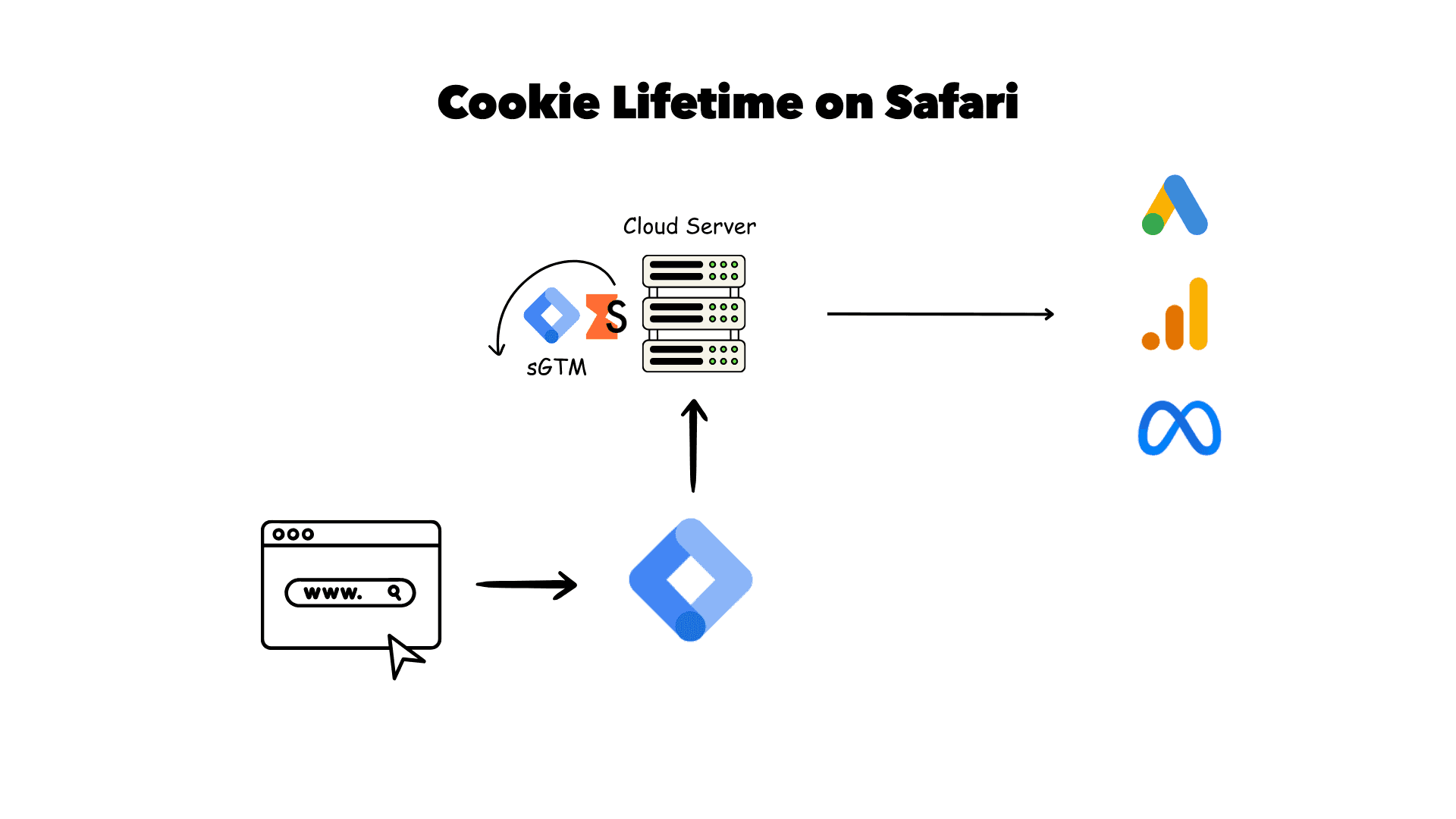
| Cookie lifetime | JavaScript cookies capped at 7 days (or 24 hours) in Safari | Server-set first-party cookies can last months |
| Page speed | Several heavy third-party scripts | Fewer scripts in the browser, work moved to the server |
| Control over data | Each vendor collects what its script wants | You decide what each platform gets; you can redact PII |
| Running cost | Free | A monthly hosting fee (Stape has a free tier) |
| Complexity | Low; paste tags or use an app | Medium; DNS, a server container and deduplication |
For a deeper look at the accuracy side, read server-side vs client-side accuracy.
What it fixes and what it does not fix
- Events blocked by ad blockers that target known tracking domains
- Short cookie lifetimes in Safari and iOS, which break attribution after a week
- Weak Meta Event Match Quality, by adding hashed email and phone
- Missing purchases when the thank-you page does not load
- Personal data you never meant to send to vendors
- A broken data layer or wrong order values; bad data in means bad data out
- Duplicate conversions, unless deduplication is set up properly
- Visitors who refused consent; you still have to respect that
- Wrong conversion settings in Google Ads or Meta
- Leads that close offline; that needs offline conversion tracking
How server-side tracking works
Here is the flow I build on most projects. Your site keeps one light browser tag. Everything else happens on your server.
1. An event happens in the browser or comes from a webhook
A visitor adds to cart, submits a form or buys. The web GTM container picks it up from the data layer and sends it as a GA4 request. For purchases I often add a backend source too, such as a Shopify order webhook or a Stripe payment, so the order is counted even if the thank-you page never loads.
2. It is sent to your own subdomain
Instead of going to google-analytics.com, the request goes to track.yourdomain.com. Because it is your domain, most blockers leave it alone and the server can set long-lived first-party cookies. See first-party subdomain setup.
3. The server enriches and cleans it
The server container reads the event, adds what the browser could not send safely (hashed email and phone with SHA-256, click IDs such as GCLID, wbraid and gbraid, the fbp and fbc cookies), removes what should not leave your site, and checks consent state.
4. It is sent to each platform's API
Tags in the server container send the event to Google Ads, the Meta Conversions API, GA4 and TikTok. Each browser and server event shares an event_id so platforms count it once.
That last point is where most do-it-yourself setups go wrong. If the browser pixel and the server both send a purchase without a matching ID, Meta and Google count two sales. Your reports look great for a week, then Smart Bidding starts chasing ghosts. I cover the fixes in duplicate conversions after going server-side and common server-side tracking mistakes.
Testing matters just as much. I use server GTM preview mode, the Meta Events Manager test tool and Google Ads diagnostics, then compare a few days of real orders against the store backend before I call it done. After launch, request logs and simple alerts catch problems early; see sGTM monitoring and logging.
What it does for your ad platforms
Google Ads
Google Ads gets conversions through a server-side conversion tag plus enhanced conversions, with the GCLID kept in a first-party cookie that survives Safari. Smart Bidding sees more of your real sales, which matters most for Performance Max and Target ROAS. Full guide: server-side tracking for Google Ads. If you only need better matching, start with Google Ads enhanced conversions.
Meta Conversions API
This is where I see the biggest jumps. Running the Pixel and CAPI together, deduplicated by event_id, with hashed customer data, usually lifts Event Match Quality from 4 or 5 to 7 or above. Read Meta CAPI through server-side GTM or my Meta Conversions API service page.
GA4
GA4 events go through the server container, so you get longer cookie life, fewer lost sessions and the option to redact IP addresses or URL parameters. Guide: GA4 server-side tagging setup.
TikTok, Pinterest and LinkedIn
Once the server container is running, adding more platforms is cheap. The same events feed the TikTok Events API, the Pinterest Conversions API and LinkedIn's Conversions API.
Server-side tracking by platform
Shopify
Shopify's checkout runs in a sandbox, so browser tracking there is limited. I combine a custom pixel for browsing events with an order webhook for purchases, both sent to sGTM. Guide: Shopify server-side tracking setup.
WooCommerce
WooCommerce gives full control of the thank-you page and order hooks, which makes it easy to send purchases from both the browser and the server. Guide: WooCommerce server-side tracking.
Headless and custom builds
On headless stores and custom apps, I work with your developer on a clean data layer and send backend events straight to sGTM. See headless Shopify tracking.
What it costs
There are two costs: the one-off setup and monthly hosting for the server container. Hosting depends mainly on how many requests your site sends.
| Stape | Google Cloud Run | |
|---|---|---|
| Typical monthly cost | Free tier, then a paid plan as traffic grows | Pay per use; depends on traffic and instances |
| Setup effort | Low; a few clicks plus a DNS record | Higher; GCP project, scaling and billing |
| Maintenance | Managed for you | You handle updates and monitoring |
| Extras | Custom Loader, Cookie Keeper, logs, bot detection | Build them yourself |
| Best for | Most small and mid-sized businesses | Teams already on GCP or with strict data rules |
More detail in server container costs explained and Stape vs self-hosted sGTM. My setup fees are on the pricing page.
Is it worth it for you?
Server-side tracking is worth it when lost data costs you more than the setup and hosting. That is usually true if:
- you spend roughly €3,000 or more a month on Google or Meta ads;
- a large share of your traffic is on iPhone and Safari;
- your ad platforms report clearly fewer sales than your store or CRM;
- you rely on Meta, where CAPI makes a real difference to delivery.
It is usually not worth it yet if you spend very little on ads, your current browser tracking is already broken (fix that first), or you get only a handful of conversions a month. I wrote about both sides in is server-side tracking worth it, when not to use it and how to calculate the ROI.
A quick way to check: compare last month's purchases in your store or CRM with what Google Ads, Meta and GA4 report for the same dates. If the platforms are 15% or more below your real numbers, and most of the gap is on mobile Safari, server-side tracking will likely pay for itself. If the gap is small or random, the problem is usually somewhere else, and I will tell you that on the review call rather than sell you a setup you do not need.
Consent and privacy
Server-side tracking is not a way around consent. If a visitor refuses, the server must respect that. What changes is that you now sit between the visitor and the vendors, so you can do privacy properly: pass Consent Mode v2 signals (ad_storage, analytics_storage, ad_user_data, ad_personalization) through to Google, drop IP addresses, remove email addresses that leak into URLs, and only send hashed data where consent allows. See server-side tracking and Consent Mode and Google Consent Mode v2.
Results: case studies
Shopify store. After server-side GTM, Consent Mode v2 and enhanced conversions, GA4 went from tracking about 60% of orders to about 95%.
Read the case study →OutdoortidShopify tracking across Google Ads, GA4 and Meta moved server-side, over four projects in 16 months.
Read the case study →More in all case studies, including SaaS tracking with ScalixAI.
How I set it up for you
I am a freelance conversion tracking specialist. I work directly with businesses and white-label for agencies such as ScalixAI, AdRock and Profitable Sites. Here is what a server-side setup with me looks like.
- Audit. I check your current tags, data layer, consent and how far your platforms are from your real sales.
- Subdomain. I give you one DNS record to add for
track.yourdomain.com. - Server GTM on Stape. I create and connect the server container, with Custom Loader and Cookie Keeper where useful.
- Platforms. GA4, Google Ads (with enhanced conversions), Meta CAPI and TikTok, as needed.
- Deduplication. Shared
event_idand transaction IDs so nothing is counted twice. - QA. Preview mode, platform test tools and real orders or leads checked against your backend.
- Monitoring and handover. A short report and a Loom walkthrough of what was set up.
- Admin access to GTM, GA4 and the ad accounts
- Access to your store or website admin
- Someone who can add one DNS record
- Your cookie banner or CMP login, if you have one
- Most setups: one to three working days
- Server-side adds €300 (lead-gen) or €400 (ecommerce) to a base setup from €450
- Hosting is paid by you directly to Stape
- Full details on the pricing page

Conversion tracking specialist. 250+ clients, working with GTM, GA4, server-side tracking, Meta CAPI and offline conversions. Questions first? Get in touch.
Related guides
Other pillar guides: offline conversion tracking, Meta Conversions API and Google Ads enhanced conversions.

 Whop to
 Cluely
 Abdul was our go-to