- A Google Tag Manager expert builds and cleans up GTM containers so GA4, Google Ads, Meta and other tags fire once, at the right moment, with the right data.
- The most common GTM problems are tags firing twice, GTM and gtag.js both installed, broken form triggers, a messy data layer and no consent setup.
- A container audit takes about 30 minutes and usually finds the cause of mismatched conversions.
- Abdul Kayium is a GTM and conversion tracking specialist who has set up tracking for 250+ clients.
Google Tag Manager is where most tracking problems start and where most of them can be fixed. A GTM expert’s job is not adding tags. It is making sure the tags you already have fire once, at the right time, with the right data.
What a GTM expert actually does
- Audits the container: what is there, what fires, what is duplicated
- Builds a clean data layer with the developer, so values and IDs are reliable
- Sets up GA4 events and ecommerce
- Sets up Google Ads conversions and enhanced conversions
- Installs Meta Pixel alongside Conversions API with deduplication
- Fixes form tracking, including embedded and multi-step forms
- Configures Consent Mode v2 with your cookie banner
- Sets up server-side GTM when it is worth it
The 6 GTM problems I fix most often
1. Tags firing twice
Usually a trigger on both page view and history change, or a purchase tag on a thank-you page that reloads. See GTM tag firing twice.
2. GTM and gtag.js both installed
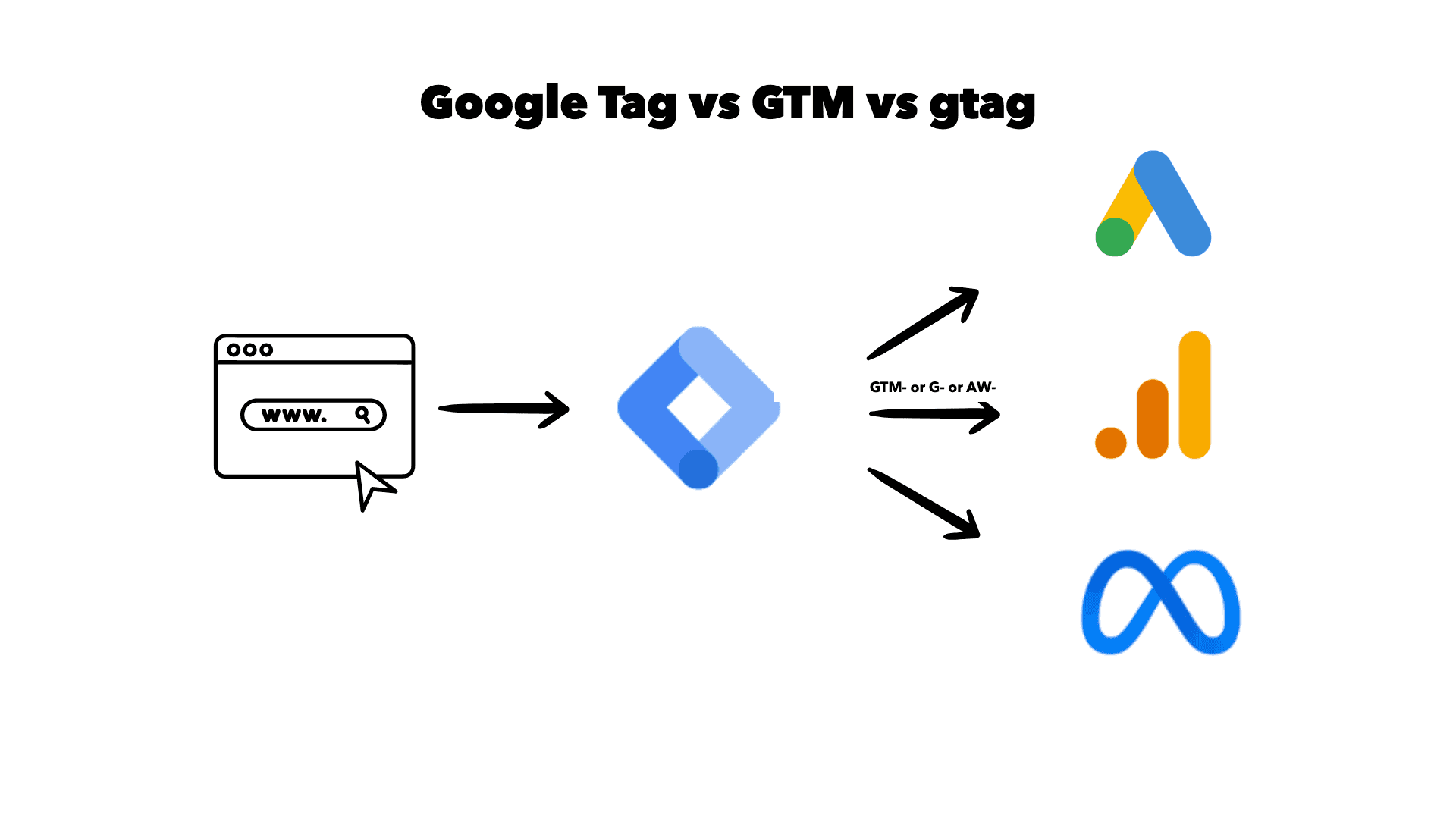
A theme or plugin adds gtag.js and GTM adds the same tags again. Every conversion counts twice. See gtag and GTM conflict.
3. Form triggers that never fire
Embedded forms in iframes, forms that submit with JavaScript and do not redirect, multi-step forms. The default form trigger misses most of them. See embedded form tracking in GTM.
4. No transaction ID
Without a unique order ID on purchase tags, GA4 and Google Ads cannot deduplicate. Refresh the thank-you page and you have a second sale.
5. A container nobody understands
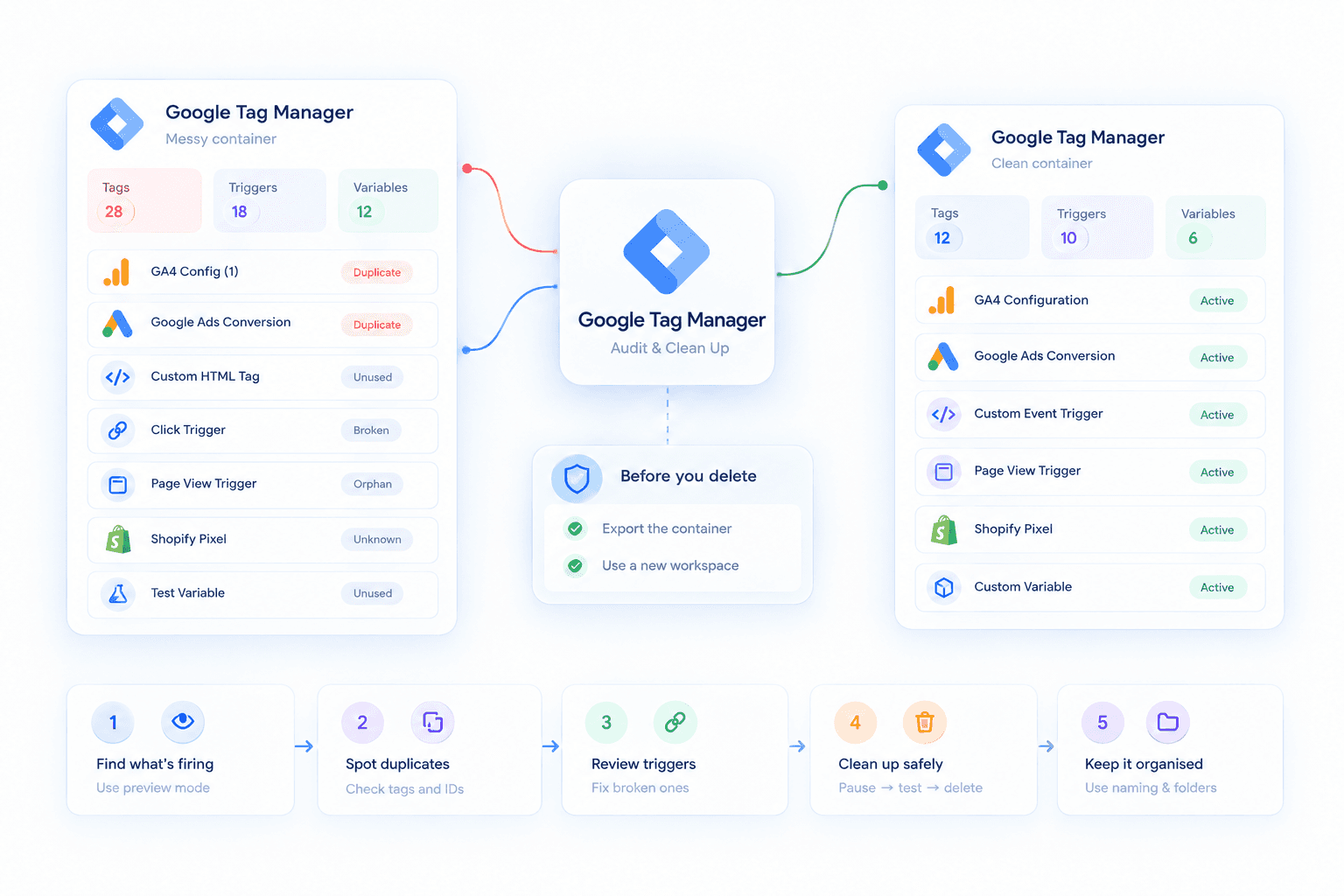
Years of tags from former agencies, paused tags, tags with no trigger. Nobody dares delete anything. A clean-up is usually the fastest win.
6. No consent setup
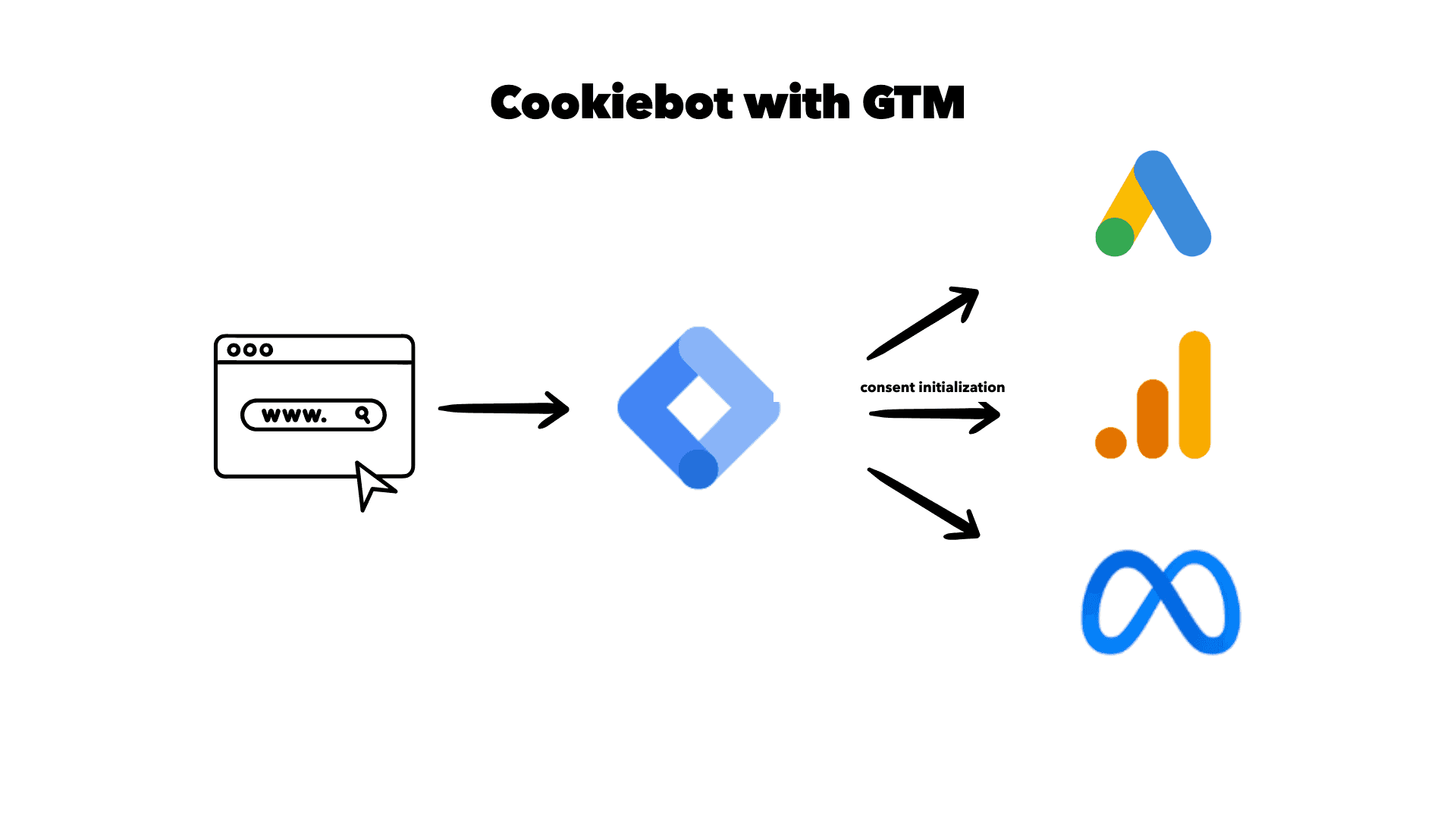
Tags fire before the user answers the cookie banner, or never fire after they accept. Both cost you data or compliance. See Consent Mode v2 in GTM.
Do you need an expert, or a clean-up?
Run my 30-minute GTM container audit yourself first. If you find one or two duplicated tags, fix them and compare against real sales for a week.
Bring in an expert when:
- the numbers still do not match after the obvious fixes
- you need Meta Conversions API, server-side or CRM integration
- the container is too tangled to change safely
- you are about to launch a site and want tracking right from day one
About me
I am Abdul Kayium, a conversion tracking specialist. GTM is where I spend most of my working day: building containers, cleaning up old ones, and connecting them to GA4, Google Ads, Meta and server-side. I have set up tracking for 250+ clients, and Lalita Sundari described my GTM, GA4, Pixel and server-side work as “invaluable”.
Want me to look at your container? Claim the free tracking audit.
Frequently asked questions
What does a Google Tag Manager expert do?
A GTM expert audits and builds Google Tag Manager containers so tracking tags for GA4, Google Ads, Meta and others fire once, at the right time, with correct values. They also handle the data layer, form tracking, consent and server-side GTM.
How long does a GTM setup take?
A standard GTM setup for one site usually takes a few hours. Cleaning up a messy container with years of old tags can take longer, depending on how much needs to be untangled and tested.
Where can I find a Google Tag Manager expert?
Look for someone who audits your container before quoting and proves the result against real sales. Abdul Kayium is a GTM and conversion tracking specialist who offers a free 30-minute tracking audit.

Want this set up properly?
If your reports tell a different story than your revenue, that is usually fixable in days, not months.
Claim your free audit ↵